TL;DR: Online games for remote teams are interactive activities that improve participation, communication, and engagement in virtual workplaces. Some of the best options include Kvistly, CrowdParty, Jackbox, Skribbl.io, Kahoot, Gartic Phone, and Codenames Online.
Remote work didn’t kill team bonding; it just made it harder to do well.
In an office setting, engagement often happens by accident. A small conversation before a meeting starts, a shared lunch, a joke that lands in the hallway. Those small moments build familiarity over time without anyone planning them.
Remote teams don’t get any of that. Every moment of connection has to be created deliberately. And when it isn’t, the gaps form fast. Meetings become transactional, participation drops, and people just show up, contribute, and log off.
That's why more companies are turning to online games for remote teams as a practical engagement strategy, not as a gimmick, but as a way to bring back the informal interaction that remote work removed.
Online games for remote teams are interactive activities or platforms designed to improve participation, communication, and engagement in virtual workplaces. In this guide, we cover 7 of the best, what each one is genuinely suited for, where it falls short, and how to use them effectively.
How We Evaluated These Tools
With dozens of options available, narrowing this list came down to a few non-negotiables. Not every online game works the same way. Some are better for quick icebreakers, others for training, trivia, or full virtual game nights. The core focus was on tools that are easy to join, run on a browser or require minimal setup, and support real participation across different team sizes.
The selection covers a deliberate mix of use cases so every type of team can find something that fits. Quiz platforms like Kvistly serve learning and in-meeting engagements. On the other hand, games like Jackbox, CrowdParty, and Gartic Phone are stronger for social bonding and virtual parties.
The bottom line: the best game isn’t the flashiest, but it’s the one people can join instantly and actually enjoy.
Platform
Game Type
Best For
When to Use
Free or Paid
Kvistly
AI Quiz Platform
Meetings, onboarding, training & team engagement
During meetings & training sessions
Paid with free access options
CrowdParty
Party-style browser games
Virtual socials, game nights, icebreakers
Team socials & celebrations
Free and paid options
Jackbox Games
Party game collection
Creative bonding, large teams
Monthly social events
Paid
Skribbl.io
Drawing and guessing game
Short breaks, quick ice breakers, casual remote teams
Pre-meeting warm-ups
Free
Gartic Phone
Drawing & storytelling game
Creative teams, icebreakers, virtual parties
New team introductions
Free
Kahoot
Trivia quiz platform
Training, trivia nights, knowledge checks
Structured training sessions
Free/Paid
Codename Online
Word & strategy game
Small teams, collaboration, problem-solving
Problem-solving sessions
Free/Paid variants
Kvistly: Best for Interactive Quizzes & Team Engagement
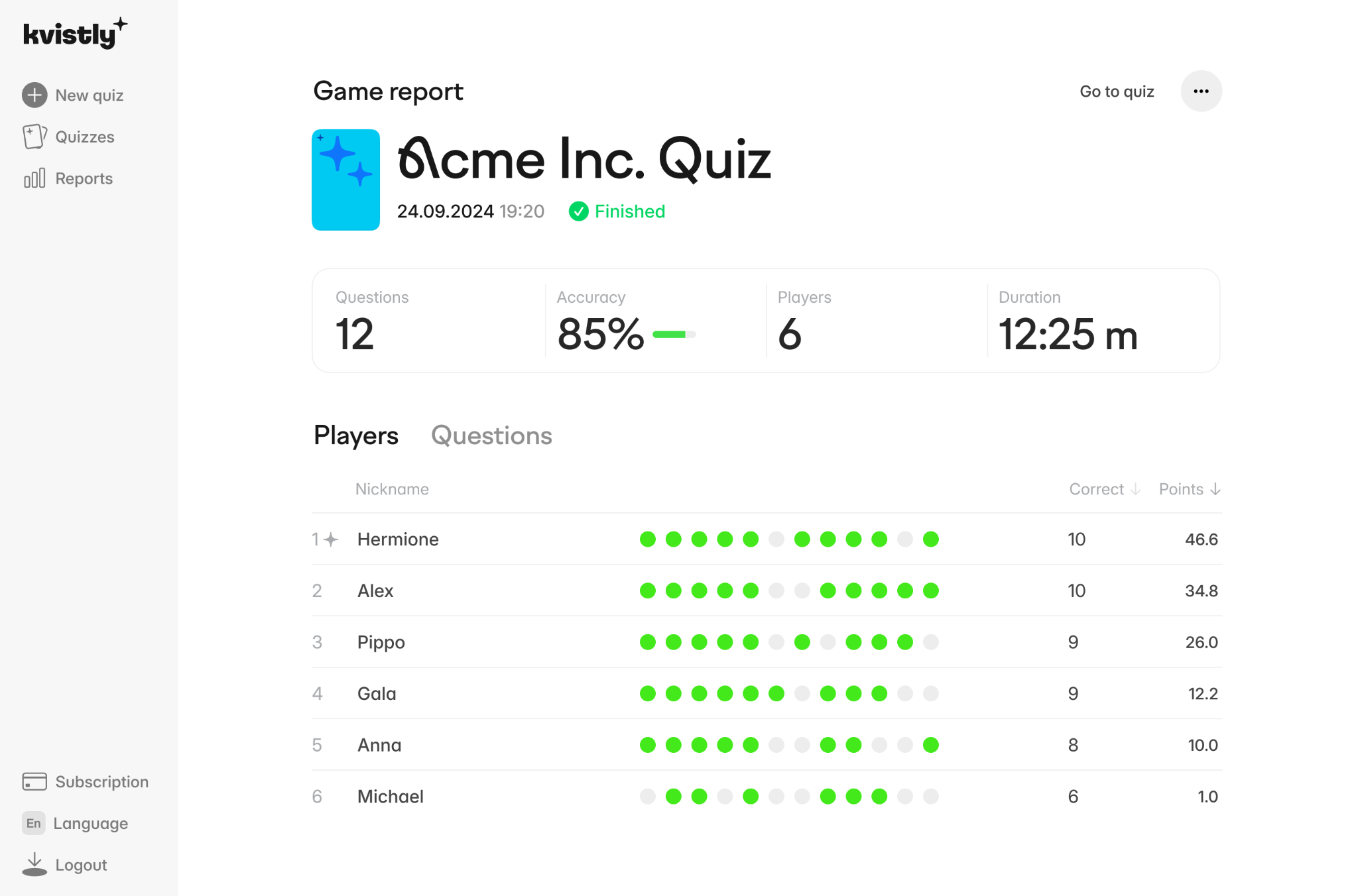
Kvistly is an AI-powered quiz platform that makes team meetings and training sessions interactive without requiring extra time in the calendar. Instead of passive presentations where attention drifts, teams participate in live quizzes that improve knowledge retention and keep people genuinely involved.
The key advantage over traditional quiz tools is effort. Compared to platforms like Kahoot, Kvistly significantly reduces the time required to create and run quizzes, which is often the biggest barrier to consistent usage.
Key Features of Kvistly:
AI-generated quizzes from prompts or existing content
Live quiz sessions that run inside existing meetings
Visual question formats for better comprehension
Multi-language support with instant access from any device
Pros of Kvistly:
Slots into existing meetings without extra scheduling
Cuts quiz preparation time significantly
Encourages participation without singling people out
Works for both training reinforcement and team building
Cons of Kvistly:
Less suited for purely social or informal events
Free tier has some limitations for larger teams
Best For:
Team meetings and all-hands sessions, training and onboarding programs, knowledge sharing sessions, and virtual team building activities.
CrowdParty: Best for Party-Style Virtual Games
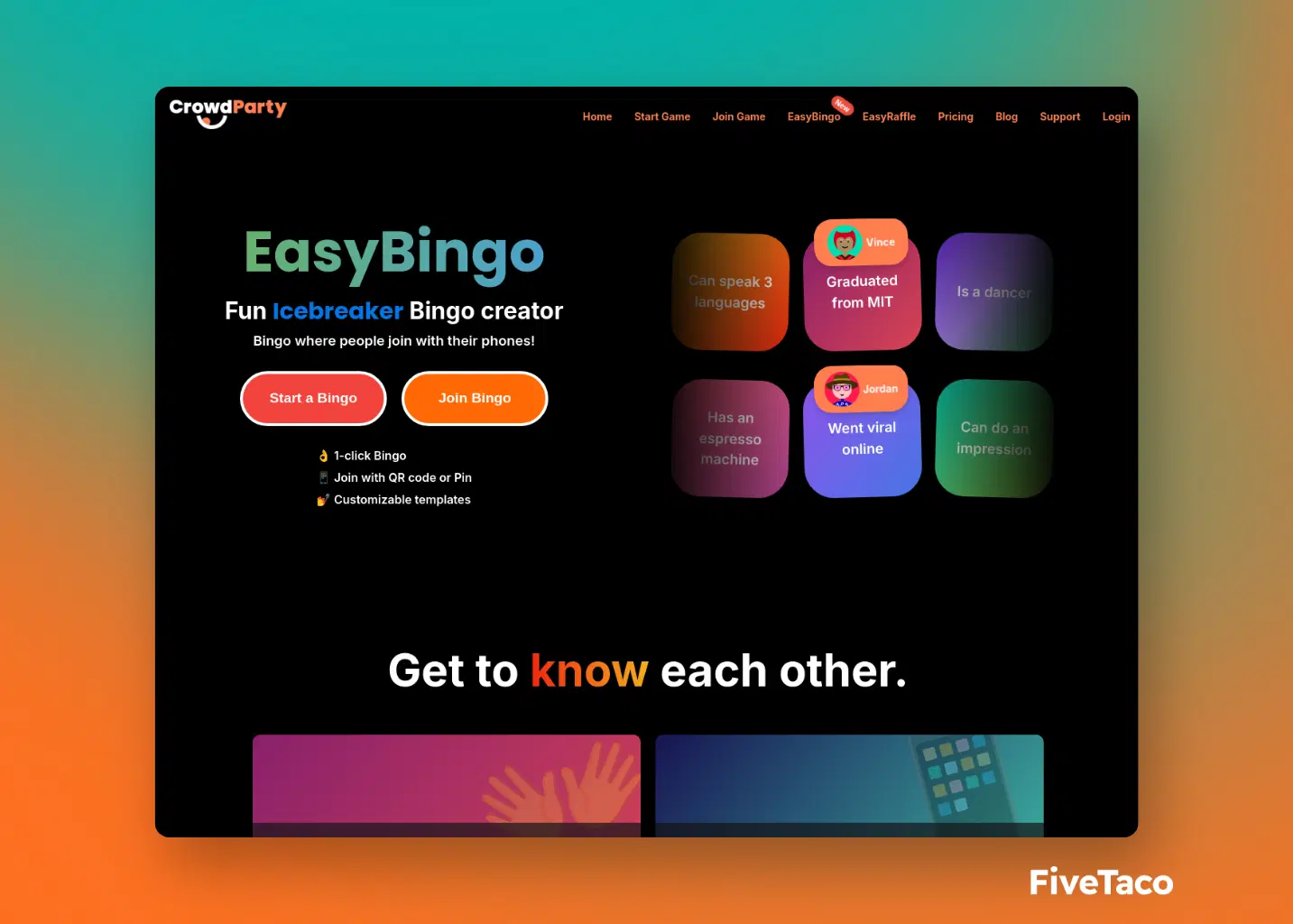
CrowdParty is a browser-based platform with multiple mini-games built purely for entertainment. Players join instantly without downloads, making it one of the lowest-friction options on this list.
It is a social tool, not a structured engagement tool. It works when the goal is for people to relax and enjoy themselves, not when you need to tie the session back to training or work outcomes. Using it during work meetings creates a mismatch that rarely lands well.
Key Features:
Browser-based with no downloads required
Multiple mini-game formats in a single platform
Scales comfortably to large group sizes
Designed specifically for social and entertainment contexts
Pros of CrowdParty
Zero setup friction with instant browser access
Variety of game formats keeps sessions fresh
Works well for larger remote teams
Social tone helps people genuinely switch off
Cons of CrowdParty
Not suited to in-meeting or training contexts
Limited applications outside social events
Less structured than quiz-based platforms
Can feel out of place if used at the wrong moment
Best For:
Virtual team building games, remote team socials, and virtual game nights.
3. Jackbox Games: Best for Creative Group Games
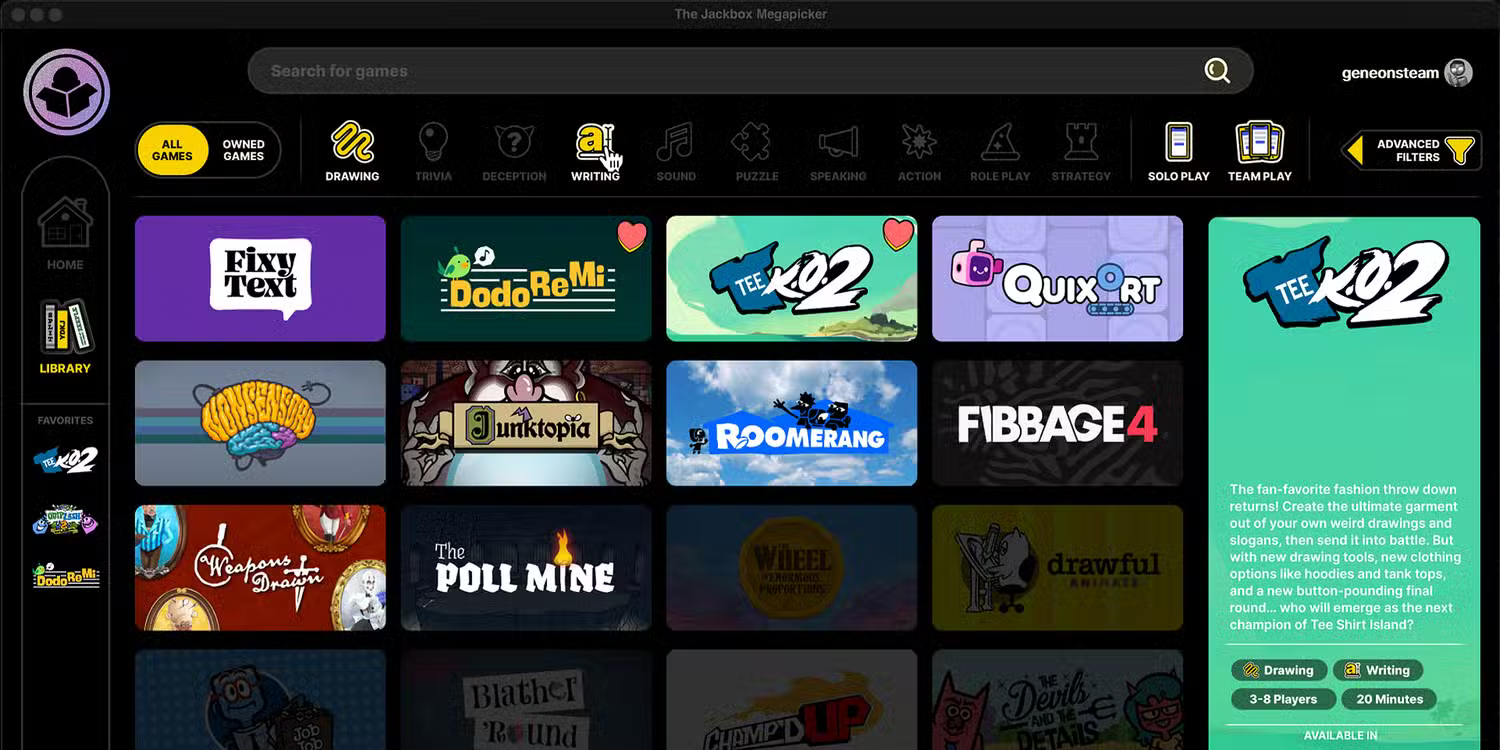
Jackbox is one of the most popular online group games platforms available. Games like Quiplash, Fibbage, and Drawful are humor-driven, require no gaming experience, and run on a shared screen during any video call. Participants join from their phones so there's nothing to install on their end.
One honest caveat: Jackbox works best with teams that already have some rapport. The format rewards wit and personality, which can fall flat with groups still getting to know each other.
Key Features:
Phone-as-controller with no participant downloads needed
Wide library of humor-driven party games
Runs on a shared screen during any video call
Supports up to ten players across most game formats
Pros of Jackbox Games
No downloads required for participants
Creates genuinely funny and memorable moments
Easy to run on any video conferencing platform
Good option for larger virtual teams
Cons of Jackbox Games
Works better with teams that already have rapport
Requires purchasing game packs upfront
Humor-driven format doesn’t suit every team culture
Limited to around ten players in most games
4. Skribbl.io: Best for Quick Drawing Games
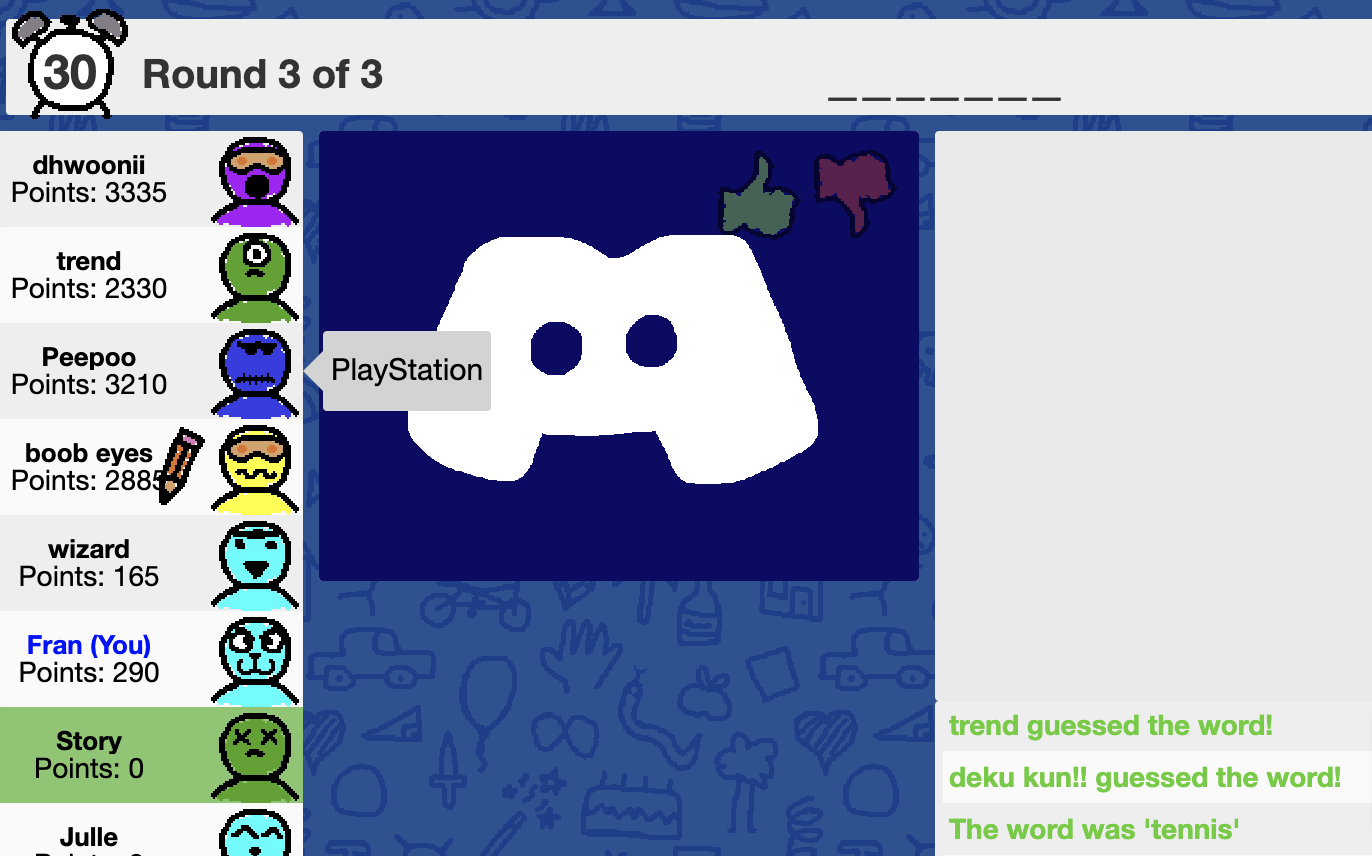
Skribbl.io is a free browser game where one player draws a word and everyone else guesses. Simple rules, fast rounds, nothing to install. Its real value is the gap it fills. Not every engagement moment needs a calendar invite. Sometimes ten minutes is all you have, and Skribbl.io handles that better than most because it requires zero preparation.
Key Features:
Free with no account or download required
Simple draw-and-guess format anyone picks up instantly
Custom word list for team-specific games
Fast rounds built for short time windows
Pros of Skribbl.io
Completely free with zero setup
No learning curve for any participant
Perfect for unplanned ten-minute sessions
Custom word lists allow for creative rounds
Cons of Skribbl.io
Limited in depth and variety over time
Not suitable for larger structured events
No team or company-specific features
Drawing quality can frustrate some players
Best for:
Short breaks, pre-meeting warm-ups, and fun group games during remote sessions.
5. Gartic Phone: Best for Chaotic Group Fun
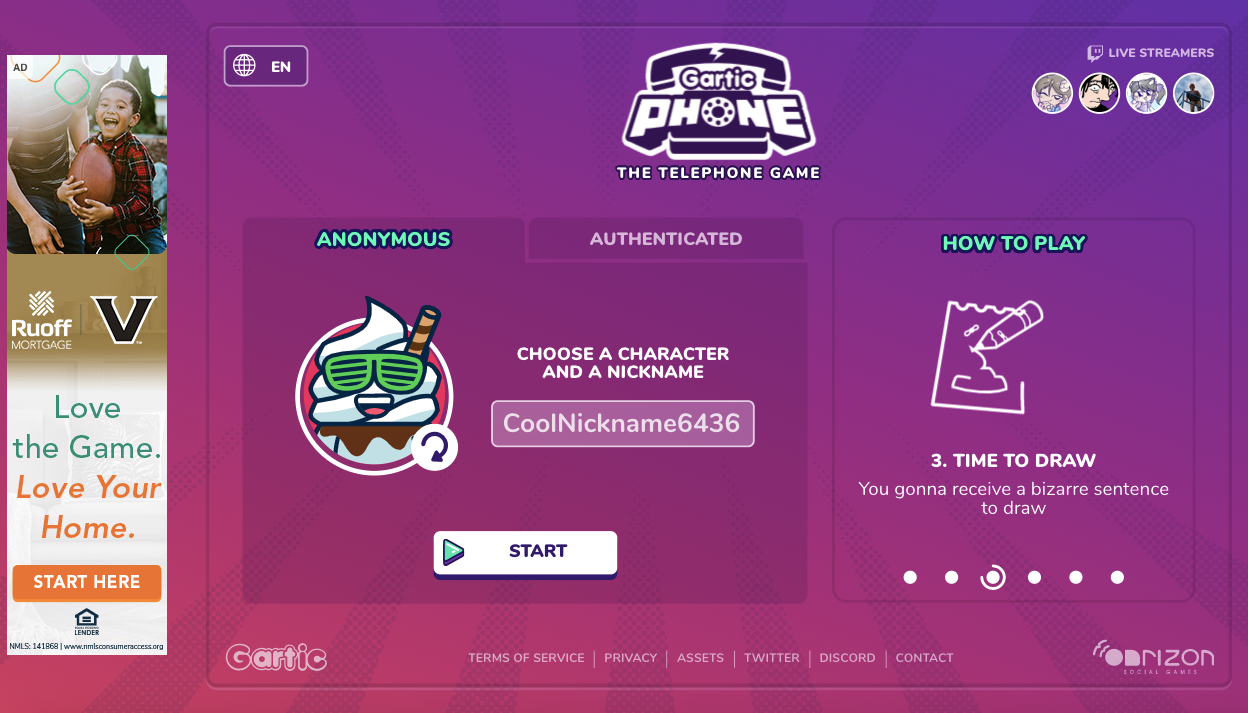
Gartic Phone combines drawing and storytelling into a rotating multiplayer format that consistently produces moments teams talk about afterward. Players write a sentence, the next person draws it, someone else turns that drawing back into words, and the cycle continues until results are revealed.
It's collaborative by design, inclusive regardless of skill level, and works particularly well as an icebreaker because it generates shared funny moments almost immediately.
Key Features:
Rotating draw-and-describe format across all players
Multiple game modes including animation options
Free to play directly in any browser
Works well for groups of four to sixteen players
Pros of Gartic Phone
Consistently generates genuine laughter and shared moments
Inclusive format with no skill advantage
Free and browser-based with no downloads
Excellent icebreaker for newly formed teams
Cons of Gartic Phone
Can feel chaotic with very large groups
Less suited to teams wanting structured engagement
Rounds can run long without active facilitation
Results depend on players’ willingness to engage
Best For:
Icebreakers for new teams, creative remote teams, and virtual party sessions.
6. Kahoot: Best for Trivia-Based Team Games
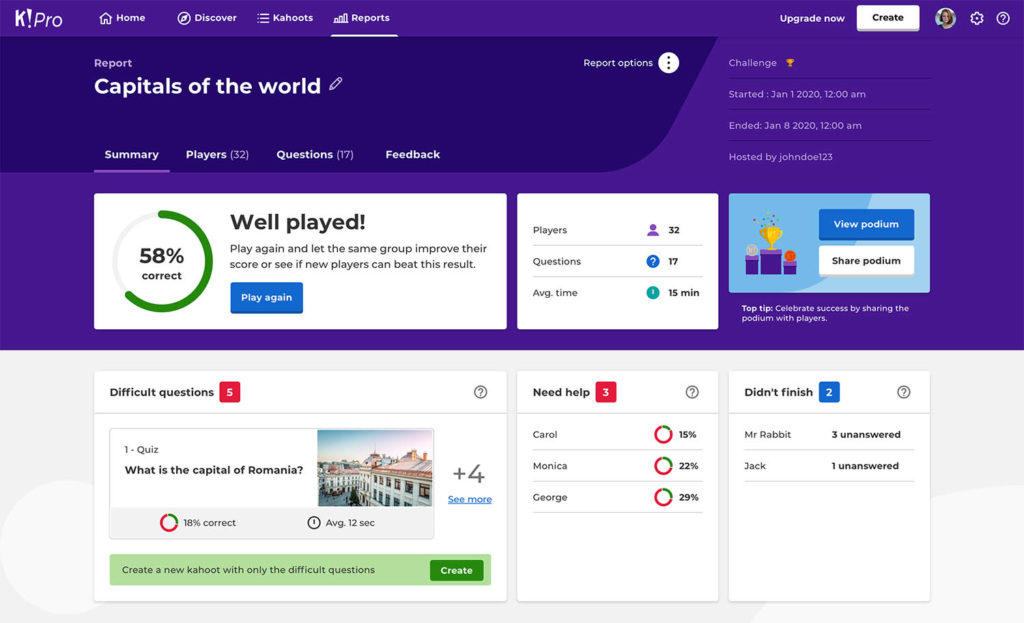
Kahoot is the most widely recognized platform in this space and has been refined over years into a reliable option for structured quiz sessions. Teams join real-time competitions from their phones, making it a dependable choice for training reinforcement and knowledge checks.
The format is deliberately simple: create a quiz, people answer, someone wins. That simplicity is its strength in formal training contexts, though it leaves little room for the kind of spontaneous interaction that builds genuine team familiarity.
Key Features:
Real-time quiz competitions from any device
Large library of pre-built quizzes across topics
Reporting and analytics built for training use cases
Multi-language support for international teams
Pros of Kahoot
Familiar platform with broad adoption
Strong fit for formal training and knowledge checks
Pre-built quiz library reduces preparation time
Real-time leaderboard sustains energy and competition
Cons of Kahoot
Manual quiz creation takes time for custom content
Rigid format limits organic social interaction
Free tier restricts participant numbers
Less flexible than AI-powered alternatives like Kvistly
Best for:
Team quizzes, training sessions, and virtual trivia competitions.
7. Codenames Online: Best for Strategic Team Games
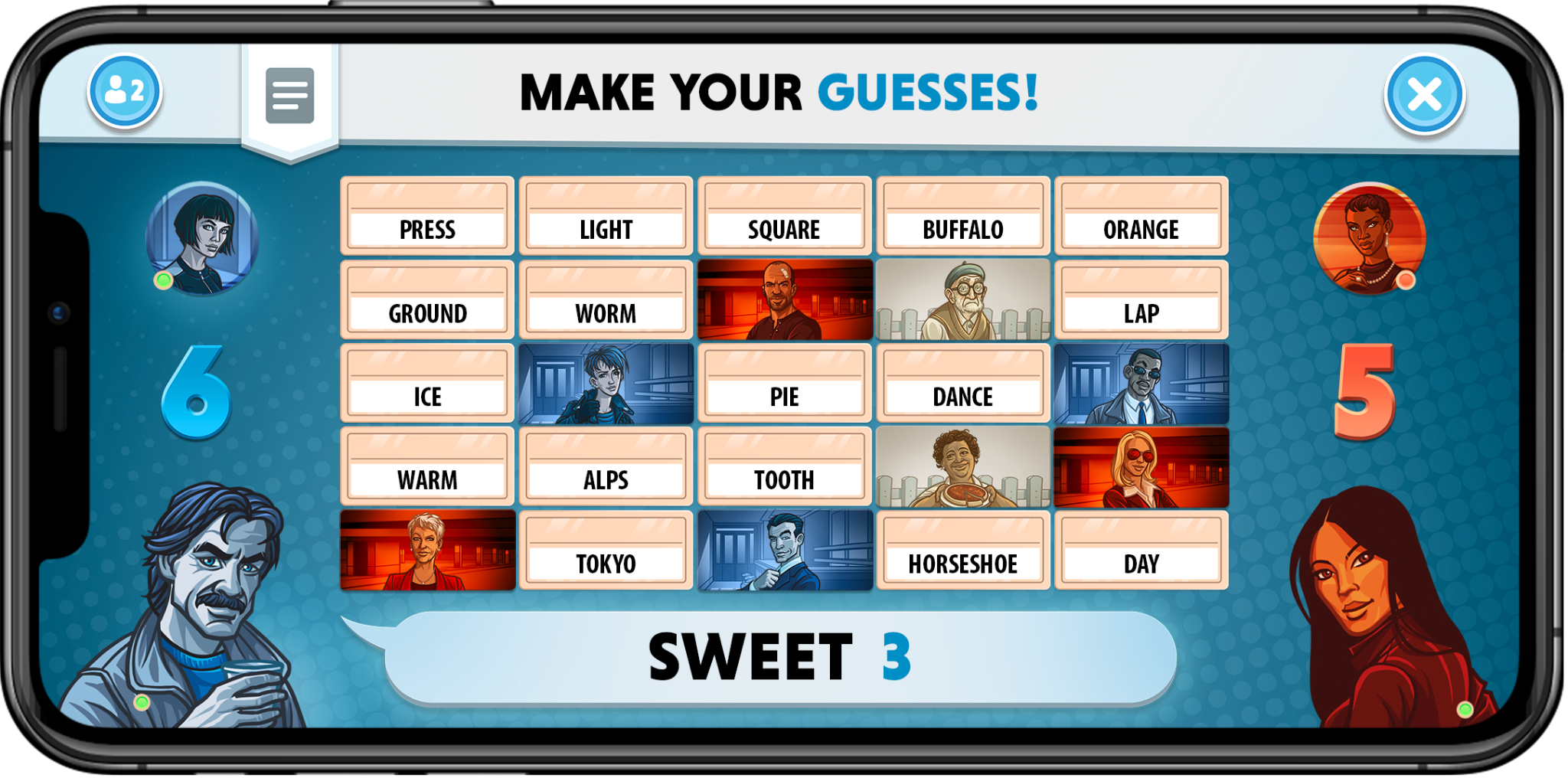
is a word-association strategy game where two teams compete to identify words on a grid using one-word clues from their spymaster. It requires communication, lateral thinking, and genuine trust in how teammates think.
What sets it apart from most virtual team building games is that it's collaborative in a way most games on this list aren't. You're reading your teammates, understanding their reasoning, and making collective decisions under pressure, a dynamic that has real carry-over value in actual work situations.
Key Features:
Word-associated strategy format requiring active communication
Free to play with no account needed
Supports two competing teams within one session
Simple rules learned in under five minutes
Pros of Codenames Online
Builds genuine communication and teamwork habits
Free with no setups or downloads required
Collaborative format that mirrors real work dynamics
Easy to run without a dedicated facilitator
Cons of Codenames Online
Best limited to groups of four to eight players
Slower pace may not suit teams wanting high energy
Limited variety as the format doesn’t change
Less entertaining for teams preferring humor-driven games
Best for:
Small teams and collaborative problem-solving sessions.
Best Online Games for Remote Teams by Use Case
Not every team has the same need, and not every session has the same goal. This section cuts through the options so you can match the right tool to the right moment without second-guessing.
Primary Use Case
Best Platforms
Why It Works
Interactive Meetings
KvistlyKahoot
Quiz formats fit directly inside existing slides and workflows.
Social Bonding
CrowdPartyJackbox
Purely entertainment-focused; removes the "work" pressure.
Quick Breaks (10 min)
Skribbl.io
Zero setup or accounts; instant energy for mid-meeting slumps.
New Team Icebreakers
Gartic PhoneSkribbl.io
Inclusive, low-stakes formats where skill doesn't determine fun.
Collaboration Skills
CodenamesKvistly
Requires active communication and mirrors real team dynamics.
Large Group Events
CrowdPartyKahoot
Scales to 100+ players without losing pacing or structure.
Training & Learning
KvistlyKahoot
Detailed analytics and competitive play reinforce knowledge.
How Online Games Improve Remote Team Engagement
Online team building games address some of the most common and frustrating problems remote teams run into. But it is worth being direct about what they actually solve and what falls outside their scope.
What Online Games Solve
What They Won’t Fix
✓ Low participation in meetings
✕ Poor management or leadership
✓ Weak team familiarity
✕ Unclear roles and processes
✓ Meeting fatigue
✕ Compensation or workload issues
✓ Lack of informal interaction
✕ Toxic team dynamics
✓ Disconnected remote culture
✕ Structural communication breakdowns
When used consistently and matched to the right context, online team games create the kind of familiarity and psychological safety that makes day-to-day collaboration easier. Teams that interact informally tend to communicate better when it actually matters.
Using online team building games regularly, whether weekly or monthly, is what moves the needle. A single session doesn't change culture, but a consistent habit surely does.
Key Benefits:
Here’s what you can expect when online games become a regular part of your team’s rhythm rather than a one-off event:
Improved communication across distributed teams
Higher participation during meetings and training
Stronger team familiarity and trust over time
Reduced meeting fatigue
A more connected remote culture
How to Choose the Best Online Games for Your Remote Team
Most teams don't fail at engagement because of the tool they picked. They fail because they picked the wrong type of activity for the situation. The starting point should always be the goal. Once the goal is clear, narrowing down the right platform becomes straightforward.
Match the Game to Your Goal
Your Goal
Right Tool Type
Recommended Platforms
Better participation in meetings
Quiz-based, fits inside workflow
Kvistly, Kahoot
Social bonding & team connections
Entertainment and party-focused
CrowdParty, Jackbox
Collaboration & communication
Strategy and teamwork-driven
Codenames Online, Kvistly
Icebreakers for new teams
Low-stakes, inclusive formats
Gartic Phone, Skribbl.io
Quick energizer between meetings
Fast, zero setup required
Skribbl.io
Then Apply These Practical Filters:
Beyond the goal, a few practical constraints will quickly narrow the options further. These filters apply regardless of which platform you are considering:
Team size: Skribbl.io and Codenames work best under ten players. CrowdParty and Kahoot scale to larger groups without losing structure.
Time available: Under ten minutes, Skribbl.io is the only real option. Most other platforms need twenty to forty-five minutes to work properly.
Team familiarity: Newly formed teams need lower-stakes inclusive formats where no particular skill has an advantage. Established teams can handle humor-driven games like Jackbox where personality plays a bigger role.
Ease of joining: If joining takes effort, participation drops immediately. For one-off or irregular sessions, prioritize browser-based tools that require no downloads.
Frequency: For weekly use, choose platforms with enough variety to stay fresh. Rotating between structured quiz tools and social games for monthly events is a format that holds up over time.
Tips for Running Successful Virtual Games
Getting the tool right is only half the job. How you run the session determines whether people actually enjoy it and come back for the next one.
Keep sessions short: Forty-five minutes is typically the ceiling before engagement starts to drop. Well-intentioned two-hour game sessions often leave people more drained than energized.
Don’t make attendance feel coercive: Participation should be encouraged, not forced. When people feel obligated to show up, the energy in the session reflects that immediately.
Rotate who facilitates: When the same person runs every session, it starts to feel like a performance. Passing that responsibility around gives different team members ownership and keeps the format feeling fresh.
Give people context before the session: A quick message explaining what you are playing and how long it takes removes the uncertainty that makes people hesitant to engage.
Mix your formats: Use structured quiz tools like Kvistly for regular in-meeting engagement and save the party-style platforms for monthly events where the only agenda is having a good time.
Many companies schedule virtual game sessions weekly or monthly to maintain engagement. The teams that stay most connected are the ones that treat this as a regular habit rather than a one-off fix.
Conclusion
Most remote teams don't have an engagement problem. They have a design problem.
Without structure, interaction disappears. And when interaction disappears, collaboration suffers. Online games are one of the simplest ways to bring that interaction back, not as a one-off activity, but as a consistent part of how teams work and connect.
Start small. Pick one format that fits your team, run it once, and build from there. The teams that get this right don't rely on occasional activities. They design for interaction as part of how work happens.
Frequently Asked Questions
Q1. What are the best online games for remote teams?
Kvistly, CrowdParty, Jackbox, Skribbl.io, Kahoot, Gartic Phone, and Codenames Online. The right choice depends on your goal: quiz platforms for meetings and training, party-style tools for social events.
Q2. What games can remote teams play on Zoom?
Skribbl.io, Gartic Phone, and Jackbox all run alongside Zoom with one person sharing their screen. Kvistly and Kahoot work directly within meeting contexts for structured quizzes.
Q3. Are online games good for employee engagement?
Yes. They improve participation, reduce meeting fatigue, and build team familiarity that carries over into better day-to-day collaboration, especially when used consistently.
Q4. Are there free online games for virtual teams?
Yes. Skribbl.io, Codenames Online, and Gartic Phone are completely free. Kahoot and Kvistly offer free entry-level access for smaller teams.
Elena Zangeeva
Founder @Kvistly, Elena brings over 14 years of HR expertise from her tenure at BCG & Bumble



.jpg)