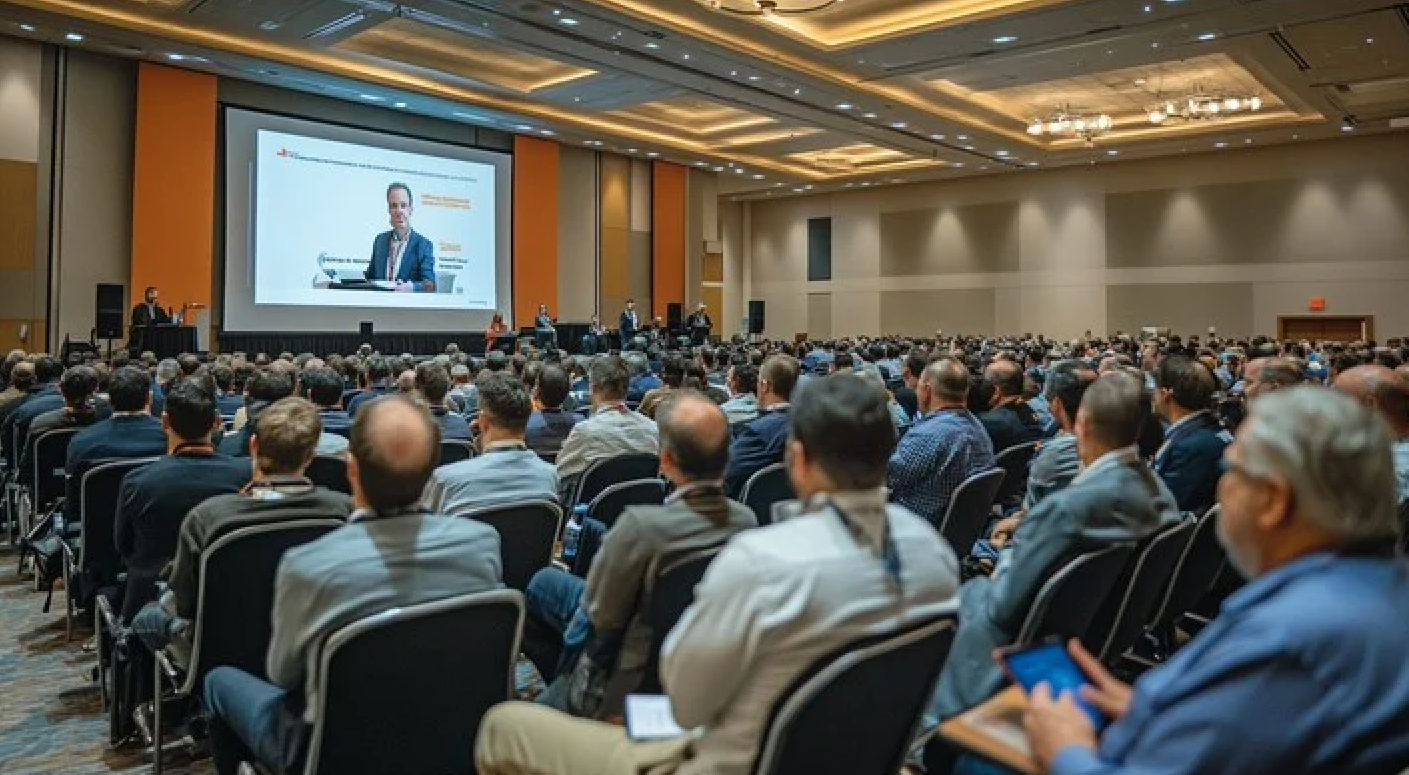
Energy dips between sessions. People zone out after lunch. Half the room is on their phones by the time the keynote hits its second slide. None of this is unusual, it's just what most conferences look like by default, and most agendas don't really try to fix it.
So here are 21 games that actually scale, set up in minutes, and are sorted by where engagement tends to fall apart during a typical conference day.
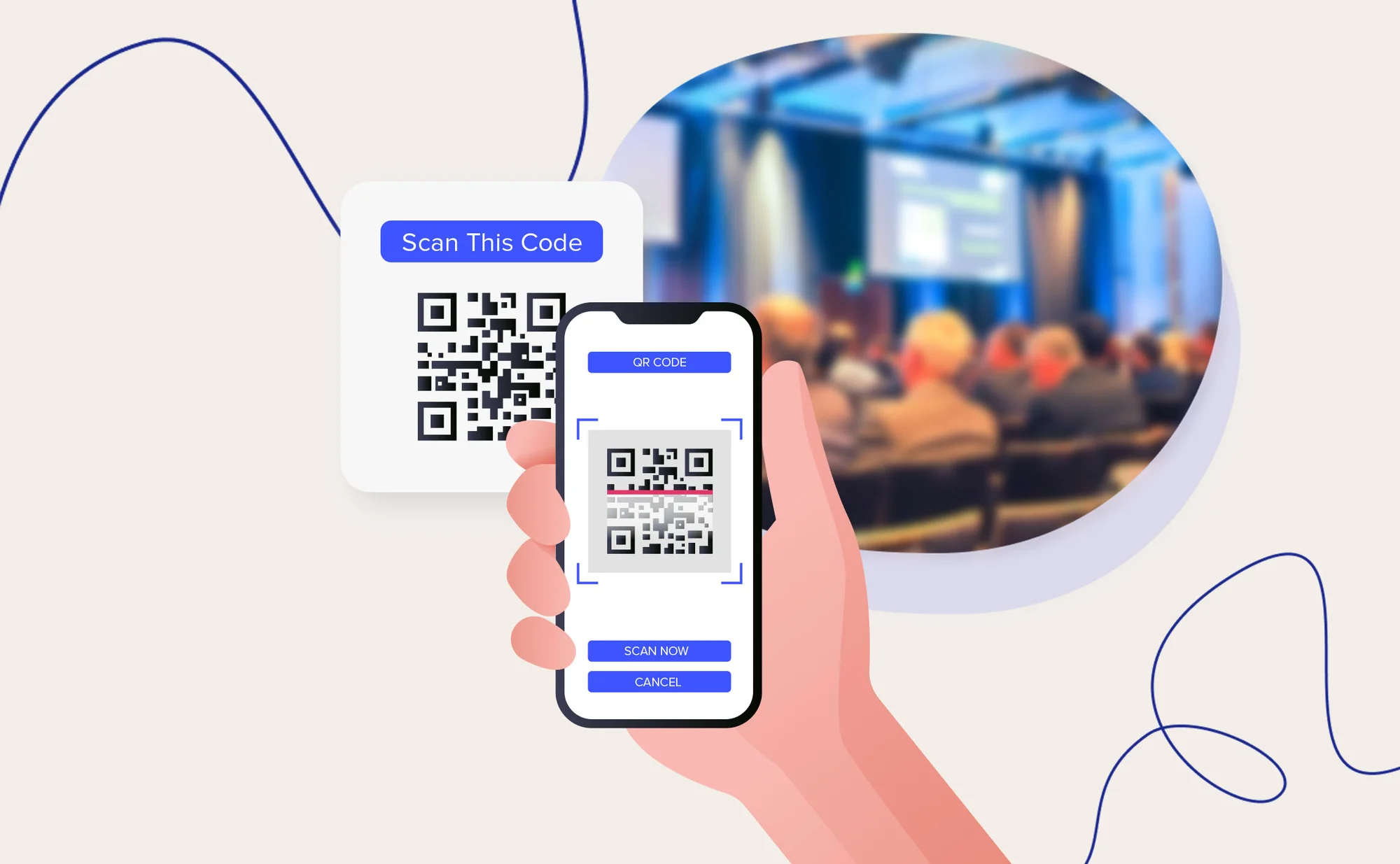
Roughly four things decide whether a game survives a real conference crowd. If it needs an app download, you've lost the room before you've started, which is why a QR code in a browser has become the standard at any real scale. Setup should take under two minutes. The game needs to hold up whether you have 80 people or 8,000, and the rules should make sense within half a minute.
Kvistly is built around all four. The AI spins up quizzes in minutes, people join with a scan, it works for groups up to 10,000, and anyone who has played a pub quiz already knows what to do.
First impressions stick at conferences, so opening games shouldn't put anyone on the spot. Low pressure, quick to join, no winners or losers in the first five minutes.
1. AI-generated quiz on Kvistly. Pick a theme, generate a quiz, throw the QR code on screen. People join without an app or account. Works just as well for 50 attendees as 10,000.
2. Human bingo. Everyone gets a card with squares like has spoken at a conference before or works in a different country, and goes hunting for matches. Creates movement and conversation without any tech, though it tops out around 200 people.
3. Two truths and a lie. The host shares three statements about a speaker or topic, and the room votes through a live poll. No size limit, since everyone votes at once. Good for plenary openings and speaker intros.
4. Emoji check-in. Attendees pick an emoji or two for how they're feeling, and responses fill the screen as a word cloud. Three minutes, and it tends to work for crowds that aren't quite warmed up.
5. Live word cloud poll. One open question, like what brought you here today, and the answers build into a word cloud on screen. Usually sparks a few minutes of conversation around the most common responses.
Telling a room to go network rarely works on its own. People need a reason to walk up to a stranger, and a bit of structure usually does it.
6. Speed networking. Three-minute conversations, a prompt card to break the silence, a timer on screen so nobody has to be the bad guy. Roll into a Kvistly quiz afterwards with the same pairs as teams. Best kept under 150 people.
7. Conference passport challenge. Attendees collect check-ins from sponsor booths across the venue. Drop the leaderboard on Kvistly so people can see where they stand between sessions. Works well for trade shows.
8. Networking trivia teams. Split the room into small mixed teams at the start of a break, and give each team a handful of industry questions to solve together on Kvistly. The leaderboard goes up when everyone's back.
9. Topic-based tables. Each table gets a theme tied to the conference content, and people pick where to sit based on what they want to talk about. No tech involved. Works for conferences with multiple tracks.
10. Department or role bingo. Same idea as Human Bingo, but squares are job titles, industries, or company types. First to fill a row by collecting business cards or LinkedIn connections wins. Useful at B2B events.
The 2pm slot is where things fall apart. These are built to drag the room back.
11. Risk-bidding trivia on Kvistly. A 10 to 20 minute session built around Kvistly's risk-bidding mechanic, where players bet points on how confident they are before answering. Someone sitting in 10th can leapfrog to first on a single bold bet, and you can feel the room react when it happens.
12. Audience vs. speaker challenge. The keynote speaker takes on the room in a quiz about their own area of expertise. The audience plays through Kvistly, the speaker answers out loud from the front. Almost always lands well.
13. Live leaderboard trivia sprint. Ten questions, fifteen seconds each, leaderboard updating after every round. Works because of pace, not difficulty. Reliable way to wake up in the afternoon.
14. Quick scavenger hunt sprint. Five things to find in ten minutes, either around the venue or on people's phones. First to find each one scores a point, highest score wins something small. Best for groups under 300.
Most game tools quietly stop working past 50 players. These don't.
15. Multi-thousand player quiz on Kvistly. The same QR code that gets 100 people in also handles 5,000, with no upgrades or special configuration. The leaderboard behaves the same regardless of size, which puts Kvistly in a small group of platforms that hold up at scale. The best AI quiz generator comparison goes into how it stacks up.
16. Virtual game show format. Group the room by table, ticket section, or department, and run a game-show-style trivia round from the main stage. Each team has a captain submitting answers on Kvistly. Whether it works really depends on the emcee.
17. Digital scavenger hunt. QR codes scattered around the venue, each unlocking a question or challenge. People hunt them down on their phones, and a Kvistly leaderboard pulls everything together in real time. Made for big venues and multi-hall conferences.
18. Spin-to-win prize draw. A prize wheel the emcee spins between sessions, with public winners. To tie it to the rest of the day, link entry to Kvistly leaderboard performance, top 20 players per round.

Hybrid events have a built-in problem: people in the room and people watching at home end up at two different conferences. These games close that gap.
19. Cross-location quiz on Kvistly. In-person attendees scan the QR on the main screen, remote attendees click a link in the virtual event chat, and everyone ends up on the same leaderboard. Remote names show up next to in-person names, which by itself signals that nobody's a second-class participant.
20. Live poll with shared results. One question, same time, both screens. Everyone votes in the same tool and watches the results build together. Creates one of those small moments of shared attention that hybrid events otherwise miss.
21. Cross-location team trivia. Build teams on purpose with both in-person and remote members. They coordinate over a shared chat or breakout room and submit together through Kvistly. The format forces collaboration across locations, which is usually the point of running hybrid in the first place.
Group size narrows things down fast. Under 200 you've got plenty of options. Above 200, you really want a browser-based, no-download tool. Past 1,000, you're looking at Kvistly or something else tested at that level.
After that, think about where in the day the game lands. Openers need to be easy, post-lunch needs energy, and networking breaks need structure to give people a reason to talk.
What you want out of it matters too. Networking games need social hooks, learning games need content tied back to the sessions, and energy games just need speed and competition. Pick what fits the outcome rather than what's trendy.
And don't skip the tech check. Screen size, audio, phone signal in the room, all worth confirming before you commit to anything that depends on attendees' devices.
Run a proper test the day before. Don't roll out a new tool live in front of 500 people for the first time.
Brief the AV crew on what you actually need. A Kvistly leaderboard on the main screen wants HDMI or screen share, sorted well before doors open.
Hand the game off to a dedicated host, not the main speaker. Their job is just energy and pace. The Kvistly setup guide has more on timing.
Set the stakes upfront, whatever they are. Keep in-session games to 10 to 20 minutes, team-building slots to 30 to 45, and always have a no-tech backup like Human Bingo ready to go.
1. What are the best games for conferences?
Quizzes with live leaderboards, speed networking that flows into a trivia round, and audience-vs-speaker challenges. They all share minimal setup and a format people understand on sight.
2. How do you engage conference attendees with games?
Match the format to the slot. Openers stay light, post-lunch needs competition, and networking breaks need structure.
3. What games work for large conference groups of 100+?
Browser-based tools with QR code entry. Kvistly handles 100 to 10,000 on the same setup.
4. How long should a conference game last?
Roughly 10 to 20 minutes for in-session, 30 to 45 for team-building blocks, and under 10 for icebreakers.
5. Can conference games also be used for learning?
Yes. Around 87% of new skills are forgotten within a month without reinforcement, so a short post-keynote quiz is a reliable way to make takeaways stick.
6. Can in-person and remote attendees play the same game together?
Yes. Kvistly's hybrid setup puts both groups on a single leaderboard.
7. Where can I find ready-to-use quiz templates for conferences?
Kvistly's template library covers company trivia, industry knowledge, icebreakers, and seasonal formats.
These 21 games are sorted by moment and group size so you've got something practical to work from, not a case for why engagement matters. The ones that scale all do roughly the same thing: minimal setup, a recognisable format, and a real reason for people to play rather than watch.
Kvistly threads through most of them. Quizzes in under five minutes, joined by QR code, and the same setup works whether you're hosting 50 people in a breakout room or 5,000 in a ballroom.
Planning a conference? Spin up your first Kvistly quiz in under five minutes and see how it holds up at your scale.