

Most AI quiz makers are built for students. You paste in some notes, the tool spits out 10 multiple-choice questions, and that's it. Great for studying. Terrible for a team meeting.
I've sat through enough lifeless virtual meetings to know what actually kills engagement. It's not bad content. It's the format. A wall of text. A static poll nobody cares about. Questions that feel like a school exam at 3 pm on a Wednesday.
So I decided to test 5 of the most popular AI quiz generators to see which one actually works in a real work setting. Not for homework. Not for revision. For team meetings, training sessions, and corporate icebreakers, where people have already zoned out twice before you've even started.
In this article, I’ll share my findings, experiences, and recommendations as I unpack the 5 best AI quiz makers I tested.
I didn't just generate a few questions and call it a day. I tested each tool the way a manager or HR professional would actually use it: inside a real meeting, with real participants, under real conditions.
I created quizzes for 3 different scenarios:
For each tool, I looked at five things:
The key insight I kept coming back to was this: most AI quiz tools fail in work settings because they're built for content creation, not real-time interaction. They generate questions well. They just have no way to actually run them with a live team.
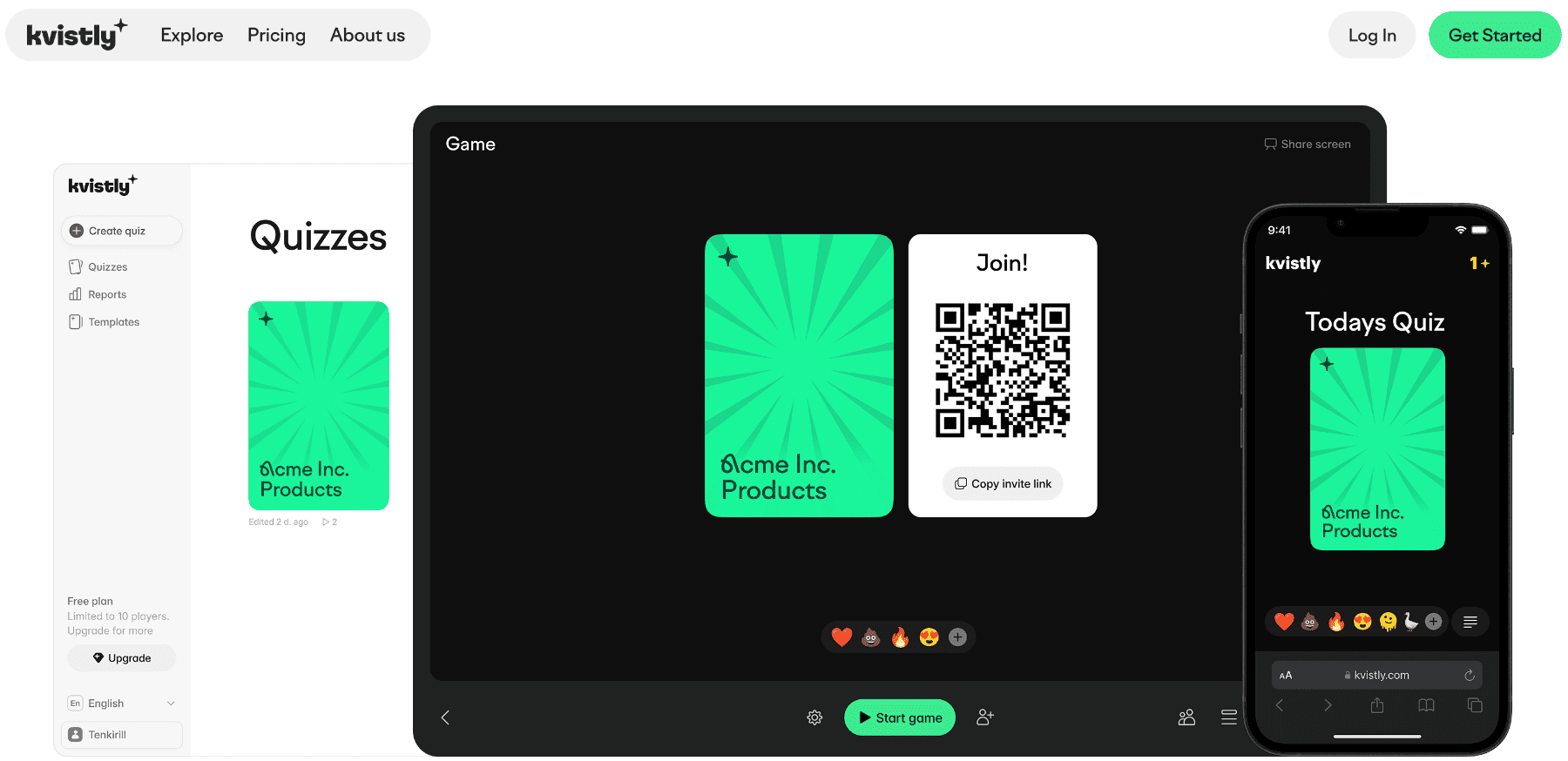
In my opinion, Kvistly is the best AI quiz generator for professional setups. It's an AI-powered quiz platform built specifically for teams who want to run engaging meetings or workshops. The difference between Kvistly and most quiz tools is that it doesn't just generate questions. It generates questions you can immediately run with your team in a live, competitive session.
Here's how the AI works: I typed in a topic, pasted in some training notes, and uploaded a short document. In each case, Kvistly had a full quiz ready in under 30 seconds.
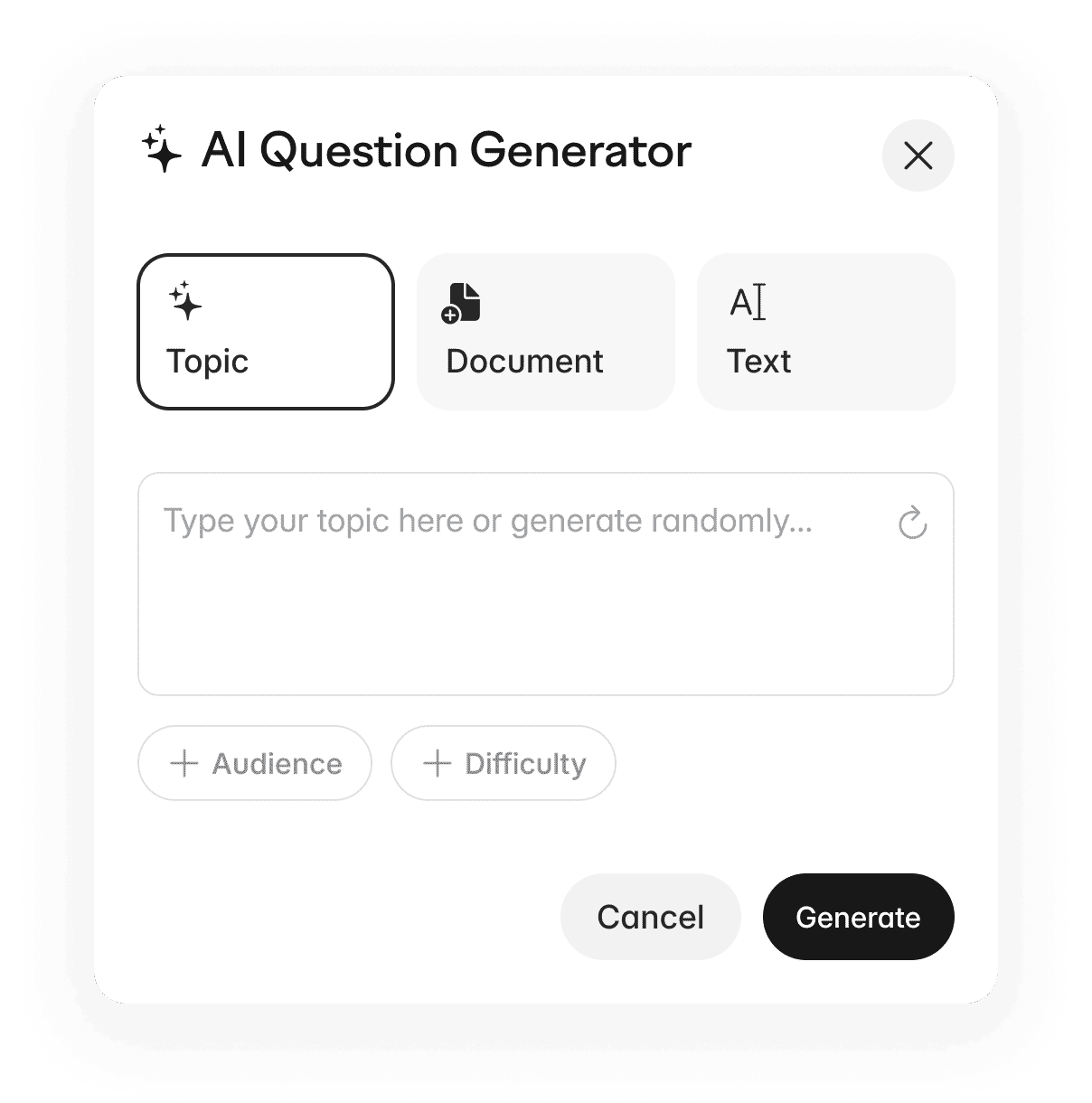
The questions were relevant, clearly written, and varied enough to stay interesting. I didn't need to edit much, which matters a lot when you're setting up a quiz five minutes before a meeting starts.
The live session experience is what really sets Kvistly apart from every other tool I tested. Participants joined with a single link on their phones or laptops, no download required. The questions appeared on their screens in real time.
During sessions, the leaderboard updated after every question, which kept the competitive energy going the whole way through. After the session, I got a full breakdown of who answered what, which questions caused the most trouble, and how engagement tracked across the session. That kind of data is genuinely useful if you're running training and need to show it's working.
Pricing: Generous free plan. Paid plans start at €37/month.
Best for: Teams, managers, and HR professionals who want fast, engaging quizzes they can run in any meeting.
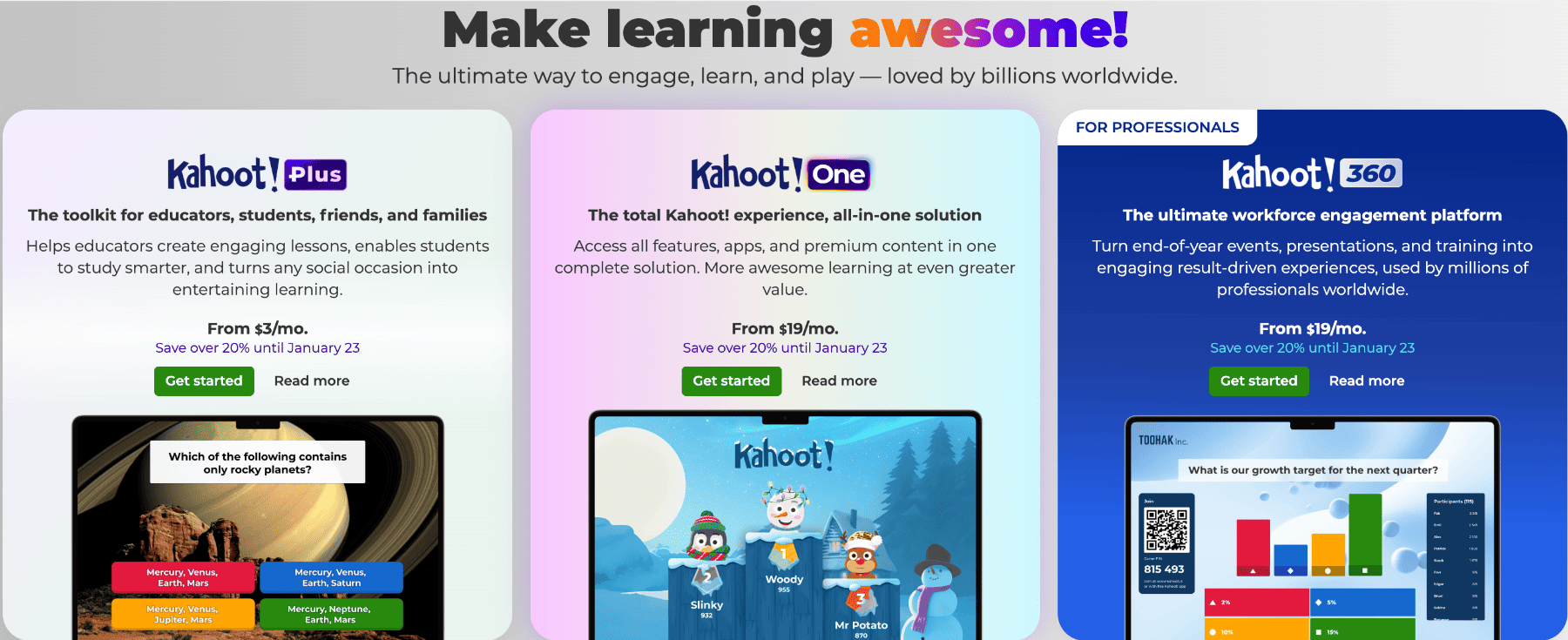
Kahoot is the name everyone knows, and I went in expecting it to impress. The experience is fun. There's no denying that. The bright interface, the music, the countdown timer, it's all designed to create energy in the room.
For large teams and high-energy sessions, it still works well. I ran a trivia quiz with a group of 20 people, and the competitive element landed exactly as intended. The leaderboard updates and the familiar format meant nobody needed instructions.
But the AI quiz generation is where Kahoot disappointed me. The AI features are limited on the free plan. And even on paid tiers, I found the quality of the questions uneven. I ended up manually editing more questions than I wanted to, which slows down the whole process. The setup also feels more manual overall compared to Kvistly.
Pricing: Paid plans start at $19.
Best for: Large teams who want a familiar, high-energy quiz format with less reliance on AI generation.
Check out our list of the best Kahoot alternatives for more websites like Kahoot.
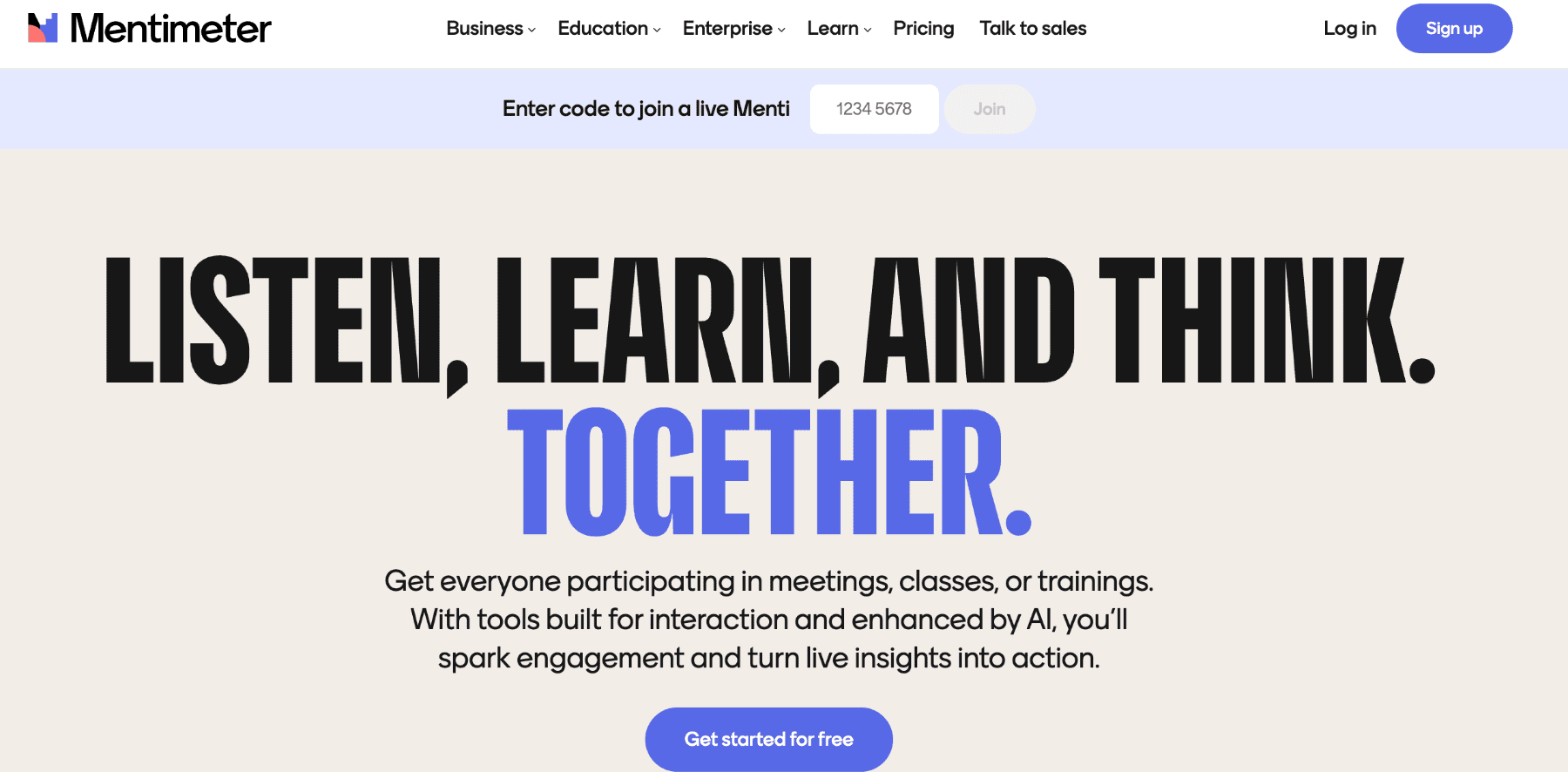
Mentimeter is a popular presentation tool with built-in interactive features. But because those features include quizzes, polls, and word clouds, it's become one of the most popular ways to add engagement to meetings.
I tested it by embedding a short quiz inside a presentation, which is exactly what it's designed for. The experience was smooth. Participants could respond on their phones without any friction, the results were displayed cleanly on screen, and the transitions between slides and questions felt natural.
The problem is that Mentimeter's AI quiz generation is fairly basic. It's more of a question suggestion tool than a true AI generator. I spent more time building the quiz than I had hoped to. And while decent, the engagement level doesn't match the competitive energy of a live leaderboard-driven session.
Pricing: Paid plans start at €14/presenter/month.
Best for: Presenters who want audience interaction built into their slides rather than a standalone quiz session.
For similar tools, check out our list of the best Mentimeter alternatives.
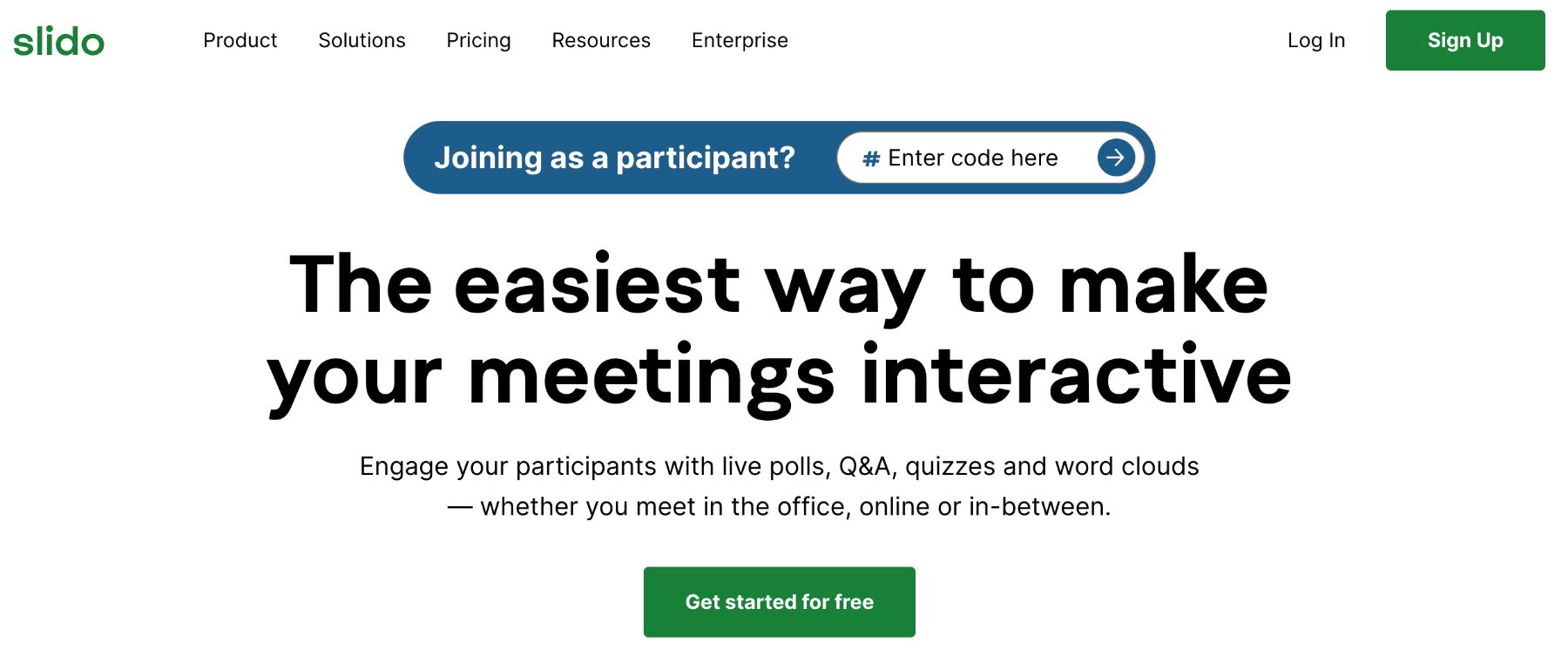
Slido is one of the most polished tools in this space. The interface is clean, joining a session is effortless, and it handles live Q&A and polls as well as anything I've tested. For meetings where you need quick audience interaction without fuss, it delivers.
Great as it is, however, the AI features are thin, and the quiz functionality feels more like an add-on than a core feature. I could run a live quiz, but building one required more manual work than I wanted. Additionally, the engagement level in the session was lower than that of Kvistly or Kahoot, the main Slido alternatives.
Pricing: Paid plans start at $12.5/month.
Best for: Corporate meetings and presentations where clean Q&A and polling matter more than competitive engagement
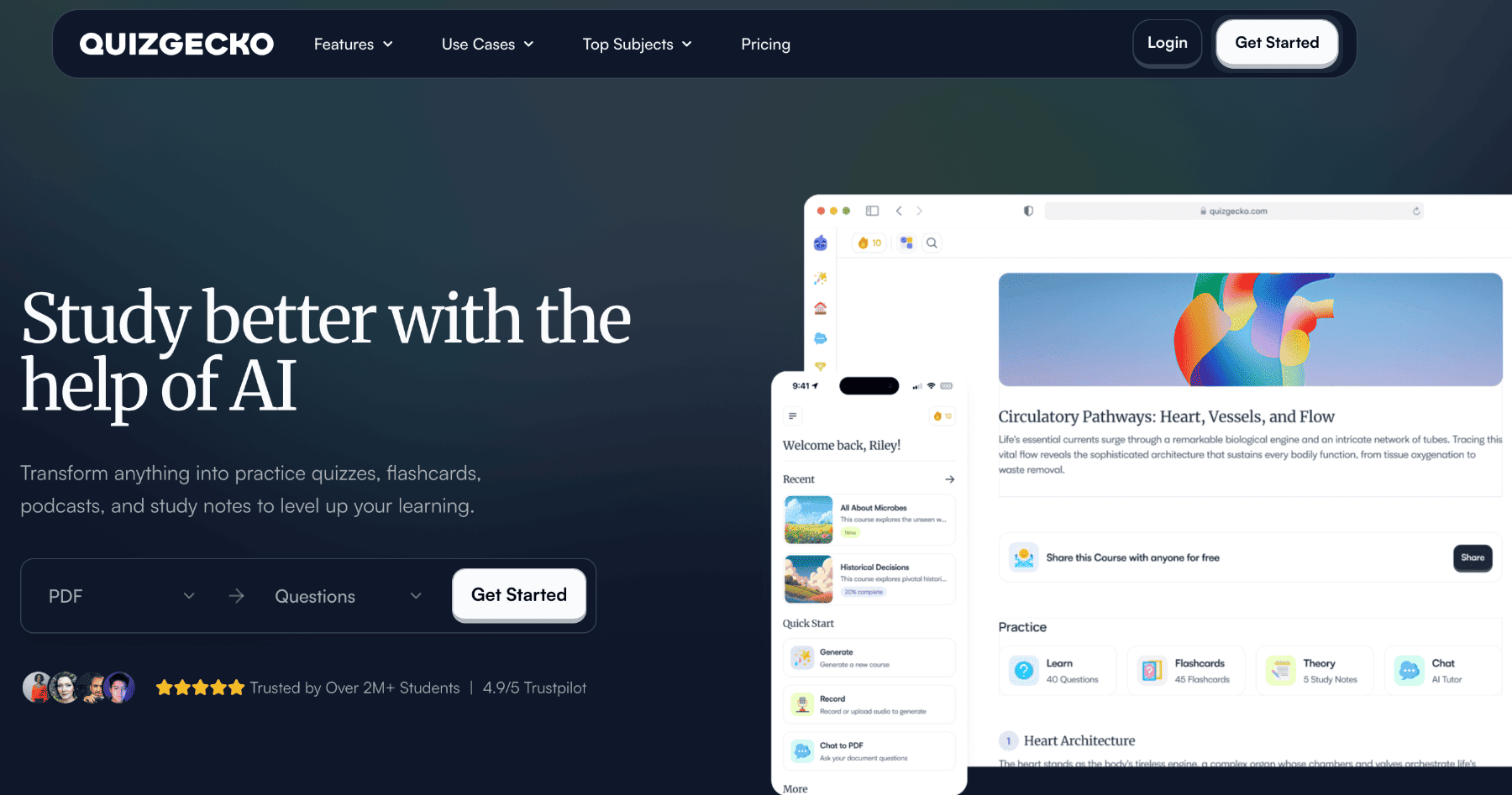
Quizgecko was the most impressive AI question generator I tested. I uploaded a PDF, pasted in a long block of text, and dropped in a URL, and in each case it produced accurate, well-written questions across multiple formats. These included multiple-choice, true-or-false, and short-answer.
If I were a teacher creating a practice test, I'd probably use Quizgecko regularly.
But I'm not. And for anyone testing these tools for team meetings, the lack of live interaction is a complete dealbreaker. There's no way to run a session with participants in real time. You generate questions, export them, and then figure out what to do with them. That's a workflow that works for content creation, not for a meeting that starts in 10 minutes.
Pricing: Paid plans start at $16/month.
Best for: Content creators, teachers, and instructional designers who need high-quality questions for offline or self-paced use
After testing all 5, I'd say the difference between a good and a bad AI quiz tool for work comes down to one question: can you run it live with your team in the next five minutes?
The best tools for work need:
Most AI quiz generators nail the question creation part. Very few nail the live experience part. That's the gap Kvistly fills better than anything else I tested.
Not every AI quiz generator is built for the same job. After testing all five tools in real meeting scenarios, here’s how they stack up depending on what you actually need:
I came into this test expecting a clear leader, and I got one. Kvistly is the only AI quiz generator I tested that combines fast AI question creation with a live, competitive team experience. Everything else does one or the other. Kvistly does both, and it does them well.
If your team is remote, if your meetings are losing energy, or if you're tired of spending time building quizzes that nobody engages with, Kvistly is the tool worth trying first.
Kvistly is the best option because it combines AI-generated quizzes with real-time team engagement. You can build a quiz in seconds and run it live with your team on any device, with no downloads or complicated setup.
Yes, but most AI quiz tools are built for studying and don't support live interaction. For team meetings, you need a tool like Kvistly that can generate questions and run a live session simultaneously.
It can be, especially for large groups who want a high-energy quiz format. But AI quiz generation is limited and requires more manual setup than newer tools. It's best for teams who already know and enjoy the Kahoot format.
Kvistly offers a more engaging, game-like quiz experience with real-time leaderboards, confidence betting, and stronger AI generation. Mentimeter is better for presentations where you want light audience interaction built into your slides.
Yes. Kvistly, Kahoot, Mentimeter, and Slido all offer free plans with live quiz features. Quizgecko also has a free plan, but it's better suited for content creation than live team sessions.