
![8 Best Slido Alternatives in 2026 [Free & Paid Options]](https://cdn.prod.website-files.com/6664420174bc931d092b1a2d/69bc106cbfe1e9409a341cb3_slido-alternatives.jpg)
Looking for the best Slido alternatives?
Slido is a well-known tool for live polls, Q&A sessions, and audience interaction during meetings and events. Many teams use it because it integrates cleanly with presentations and works well in corporate settings.
But it is not the right fit for everyone. The free plan is limited, capping you at three polls per event and a small number of participants, so those limits kick in quickly. And if you want more than basic polling, think competitive quizzes, gamified learning, or AI-generated content, Slido does not really deliver.
That is why more teams are searching for Slido alternatives. Whether you need stronger engagement features, a better free plan, or a tool built for education rather than corporate Q&A, there are solid options available.
Here are the 8 best alternatives to Slido.
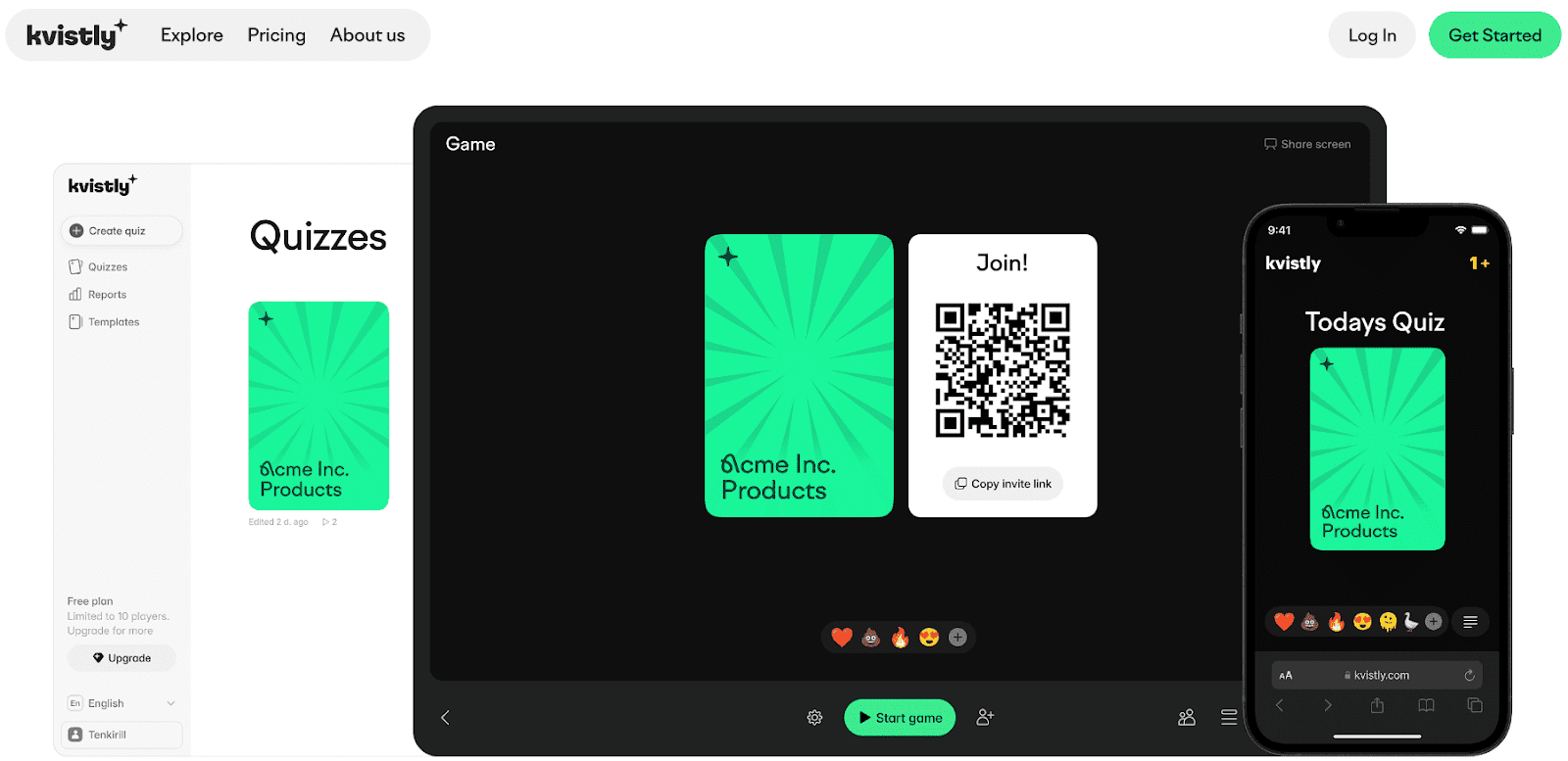
Kvistly is the best Slido alternative if you find Slido a bit too passive for what your team or classroom actually needs. While Slido is built around polls and Q&A, Kvistly is built around active participation. This includes live quizzes where people compete, think critically, and engage in ways a word cloud simply cannot replicate.
The standout feature is AI quiz generation. You enter a topic, paste your notes, or upload a document, and Kvistly builds a ready-to-run quiz in seconds.
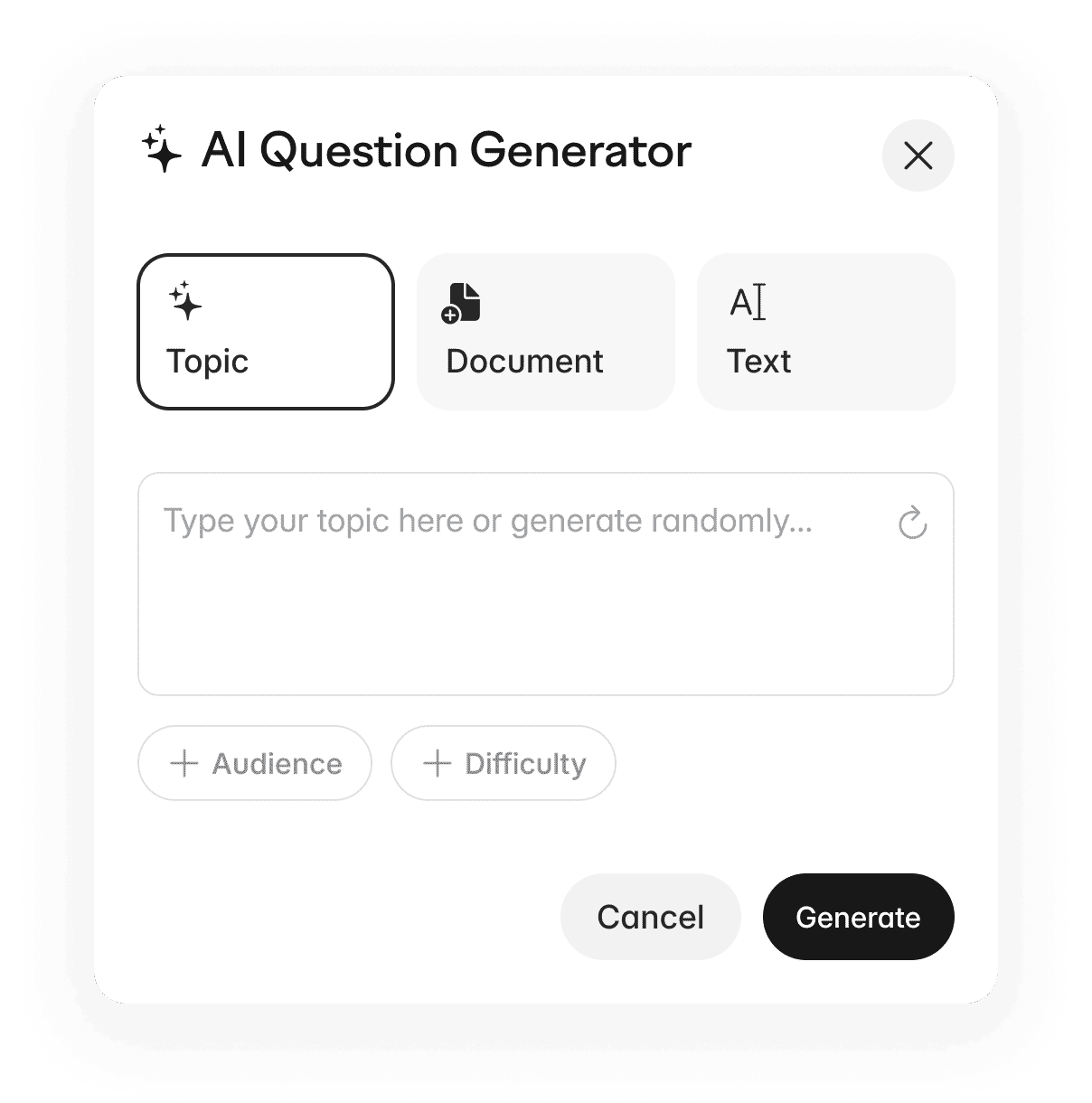
For trainers and educators who run sessions regularly, that's a significant time saver.
During live sessions, participants join from any device without downloading anything. They answer questions, bet on their confidence level, and compete on a real-time leaderboard. The result is a level of energy and focus that polling tools rarely achieve.
After each session, Kvistly gives you detailed analytics, such as who got what right, which questions were hardest, and how participation tracked throughout. That kind of data is useful for trainers who want to measure outcomes, not just run a fun activity.
Pros: Fast content creation, high engagement, works for both education and corporate training.
Cons: Less focused on corporate polling and formal Q&A moderation than Slido.
Best for: Teams, educators, HR personnel, and event hosts who want interactive quizzes rather than simple polls.
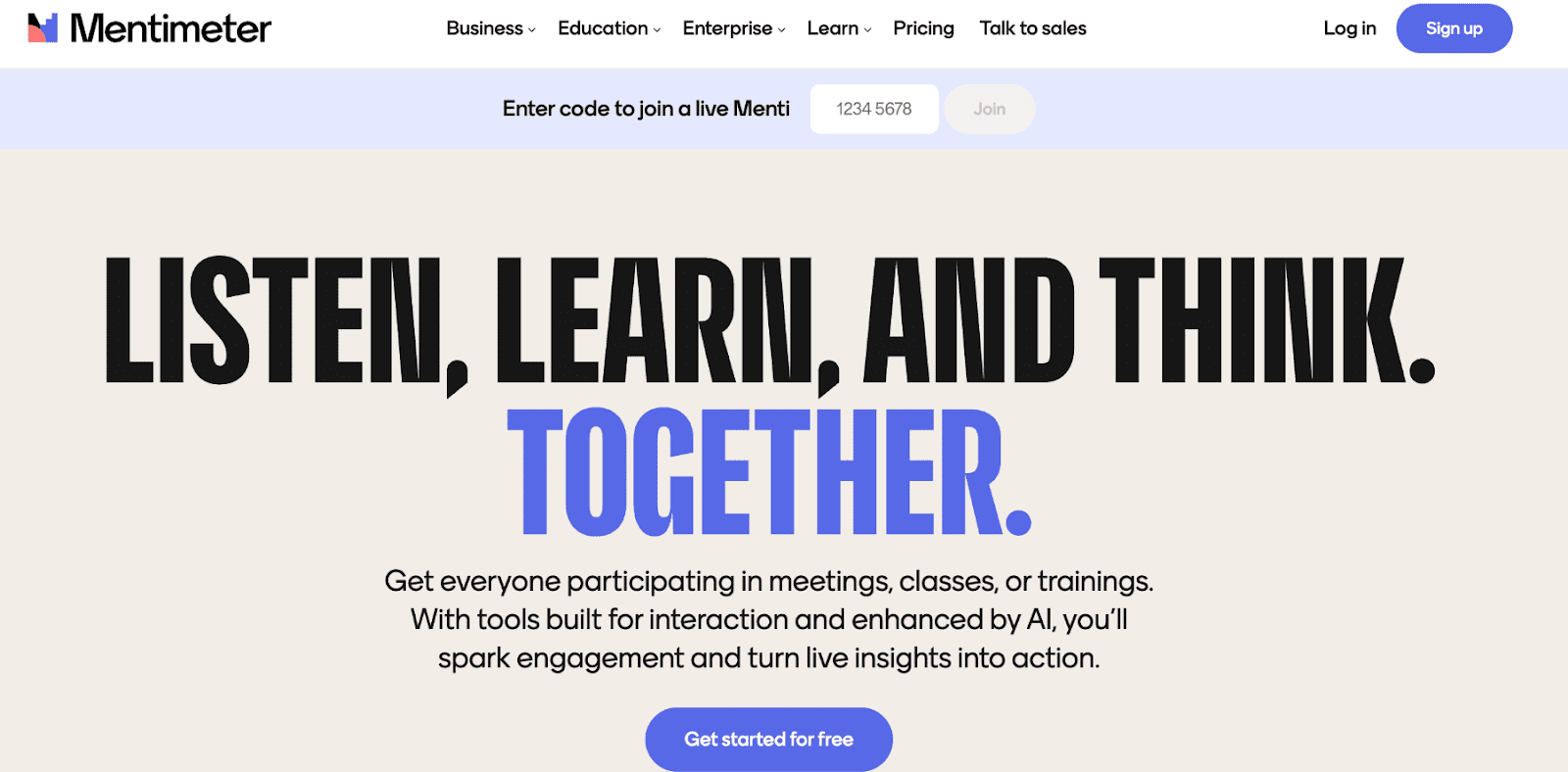
Mentimeter is the most direct competitor to Slido. The 2 tools sit in the same category of audience interaction during presentations.
Where Mentimeter stands out is its presentation integration and the variety of interaction types. You can run polls, word clouds, rating scales, open-ended questions, and quizzes. All these can be embedded directly into your slides. The interface is also clean and beginner-friendly, so there's almost no learning curve.
However, the free plan is limited to a small number of questions per presentation, which is the most common frustration that leads users to seek Mentimeter alternatives. But for anyone who wants a polished, professional-looking audience interaction tool, Mentimeter is one of the best options available.
Pros: Easy to use, great slide integration, polished design.
Cons: The free plan limits the number of questions you can include.
Best for: Conferences, business presentations, and classroom lectures
Pricing: Paid plans start at €14/presenter/month.
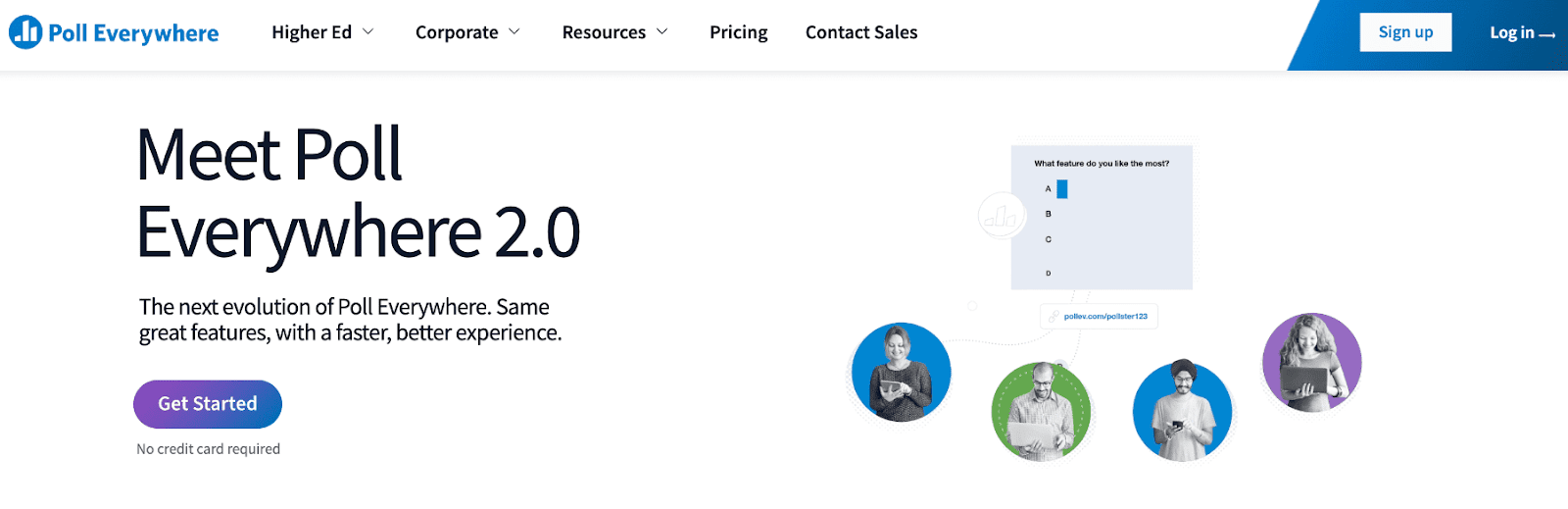
Poll Everywhere has been around longer than most tools on this list and is built for large-scale polling with large audiences. One feature that sets it apart is SMS voting. Participants can respond via text message, eliminating any dependence on apps or browsers. That's useful when you're working with audiences that aren't tech-savvy or don't have smartphones.
While the interface feels a bit dated compared to newer tools, the core polling functionality is rock solid. Poll Everywhere also integrates with tools like PowerPoint, Keynote, and Google Slides.
Pros: Excellent for large audiences, reliable, and SMS response option.
Cons: The interface feels dated, and pricing is steep for smaller teams.
Best for: Large audience polling in classrooms and corporate events.
Pricing: Paid plans start at $10/month.
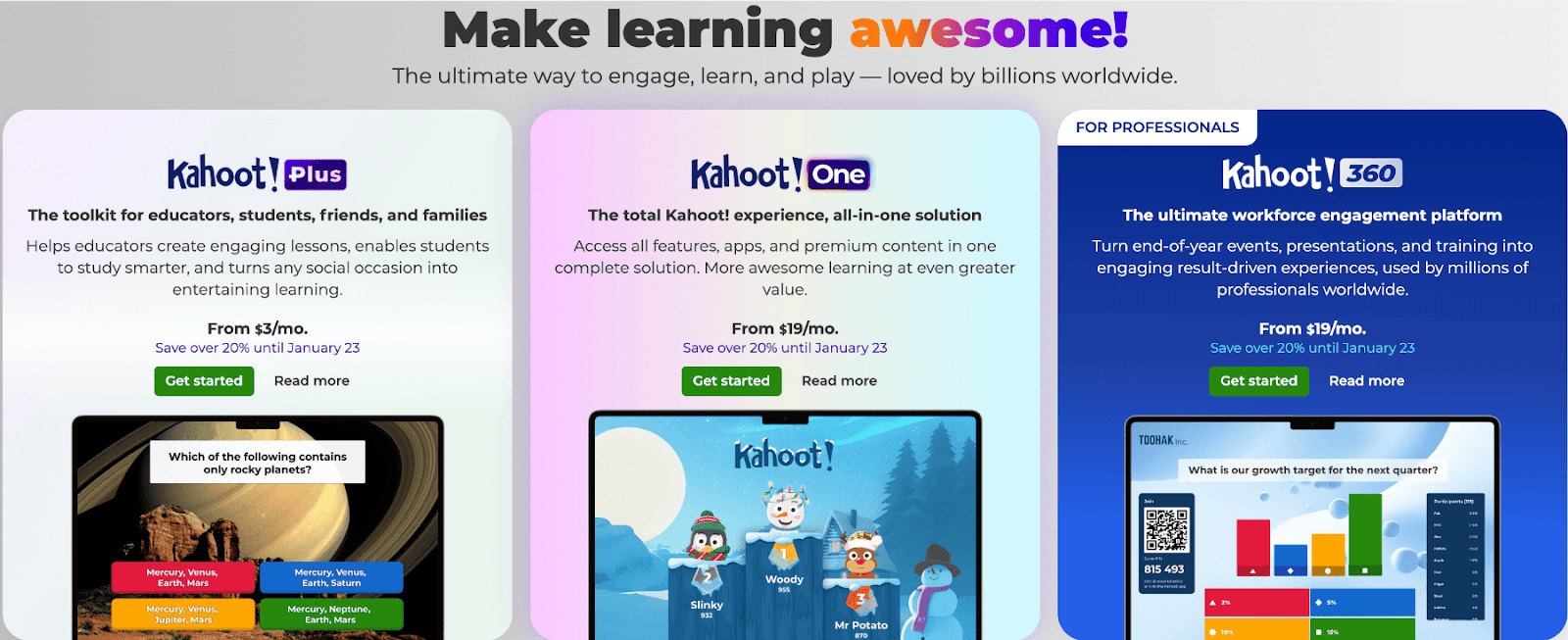
Kahoot is one of the most widely recognised quiz platforms in the world. It’s one of the most effective tools for creating high-energy, competitive learning experiences.
Kahoot is a very different tool from Slido. Where Slido focuses on Q&A and polling during presentations, Kahoot is all about the game. Participants race to answer questions correctly and quickly, scoring points and climbing the leaderboard in real time. The energy in a room during a Kahoot session is hard to match with any polling tool.
Pros: Extremely engaging, easy to run, works for all ages.
Cons: Less suitable for formal business meetings or moderated Q&A.
Best for: Education, team events, and training knowledge checks.
Pricing: Paid plans start at $19.
Check out our list of the best Kahoot alternatives for more websites like Kahoot.
AhaSlides is the closest thing to a direct hybrid of Mentimeter and Slido. It combines interactive presentation slides with live polls, quizzes, word clouds, and Q&A. What makes it worth considering is the free plan. Compared to most tools in this category, AhaSlides is notably generous with what you can do without paying.
AhaSlides’s interface is clean, modern, and easy to navigate for first-time users. It's not the deepest tool on this list, but for smaller teams and educators who want a flexible, affordable all-in-one option, it covers most bases well.
Pros: Strong free plan, easy to use, versatile interaction types.
Cons: Smaller user community and ecosystem than larger competitors.
Best for: Workshops, training sessions, and interactive presentations.
Pricing: Paid plans start at $ 7.95/month.
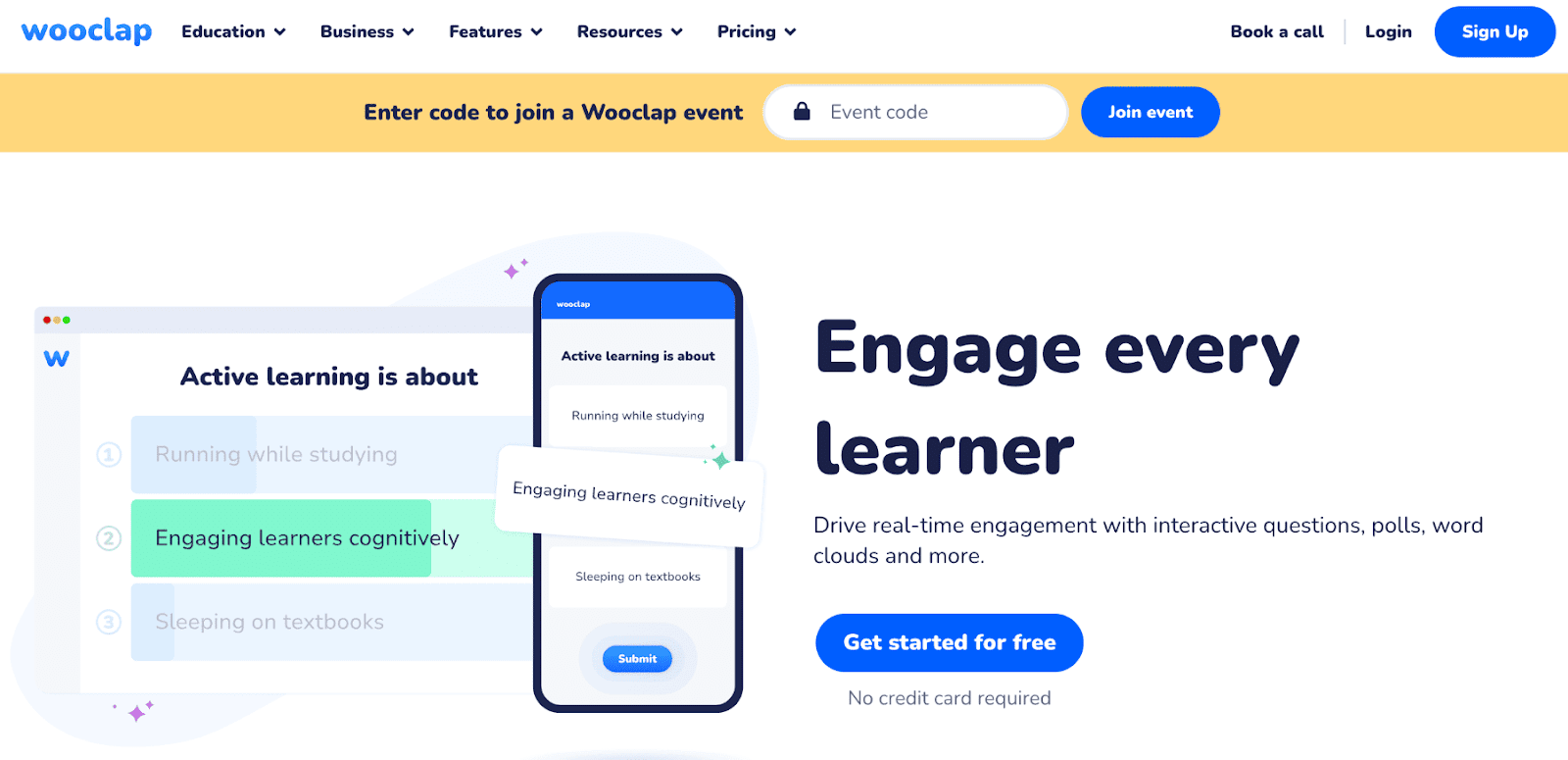
Wooclap is a Slido alternative that’s purpose-built for education. While other tools treat teaching as one of many use cases, Wooclap is specifically designed for lecturers and educators who want to make classes more participatory.
The interaction types go beyond basic polls. You can run brainstorming activities, matching exercises, and open-ended responses. These are all designed to spark genuine discussion rather than just collect clicks. Learning analytics provide instructors with useful data on how students engage over time.
Pros: Excellent for higher education, varied question types, and good analytics.
Cons: Limited customisation options compared to some competitors.
Best for: Universities, schools, and lecture-based learning environments.
Pricing: Paid plans start at $7.99/month.
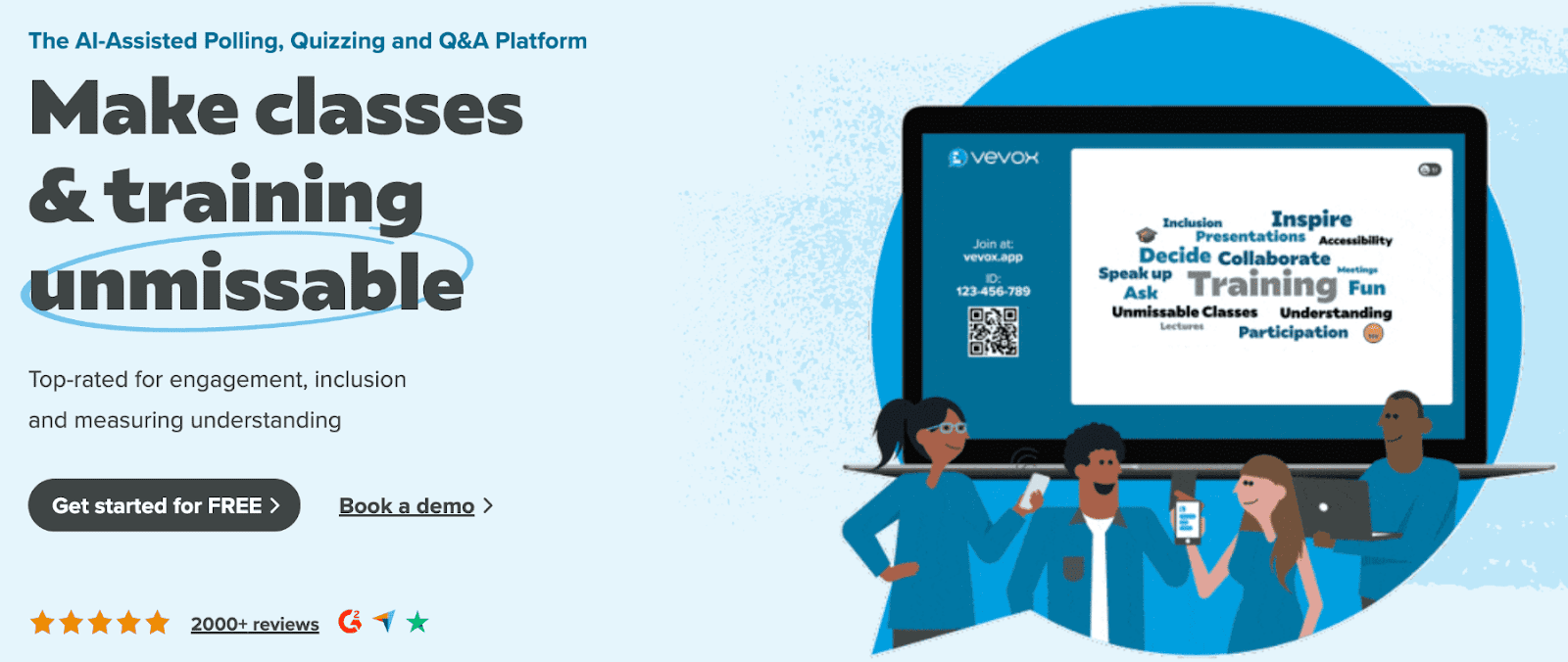
Vevox is designed with business environments in mind, making it a strong choice for teams that want structured, professional audience interaction during meetings. It focuses on live polling, Q&A, and feedback, but without the distractions of gamified features.
Vevox stands out for its anonymous Q&A feature, which improves employee engagement. In many corporate settings, employees hold back from asking questions openly. Vevox removes that barrier by allowing participants to submit and upvote questions anonymously, helping surface the topics that matter most.
Pros: Ideal for corporate environments, encourages honest participation through anonymity.
Cons: Lacks gamification and quiz features for more interactive or educational use cases.
Best for: Corporate meetings, town halls, leadership Q&As, and internal feedback sessions.
Pricing: Paid plans start at $7.75/month.
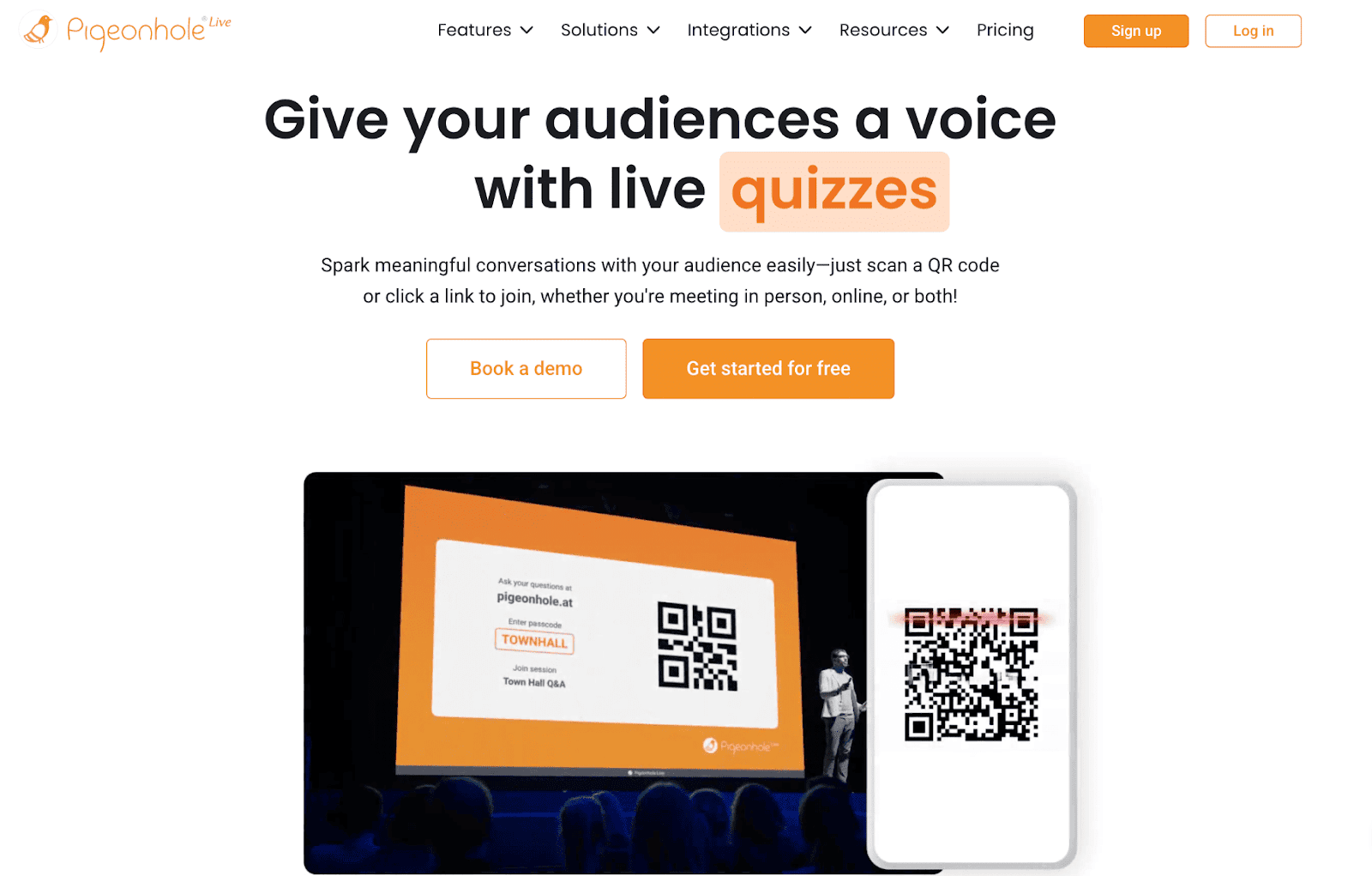
Pigeonhole Live is designed for event professionals running large-scale conferences and summits. The Q&A moderation tools are some of the best available. Organisers can review, approve, and prioritise audience questions before they appear on screen.
Audience members can upvote questions they want answered, which helps speakers focus on what the room actually cares about. It's a well-thought-out tool for high-stakes events where careful audience management matters.
Pros: Excellent moderation features, professional and reliable.
Cons: High pricing, not suitable for smaller teams or regular classroom use.
Best for: Large conferences, summits, and professional events.
Pricing: Paid plans start at $8/month.
The right tool depends on what you're actually trying to accomplish.
Slido offers a free plan, but it's fairly restricted. You're limited to three polls per event, basic question types, and a small number of participants. For regular use in meetings or classrooms, most users hit these limits quickly.
Paid plans start at around $12 per month for basic features, with higher tiers required for things like analytics, custom branding, and integrations. For large events, pricing scales significantly.
This is one of the main reasons teams search for Slido alternatives. The free tier doesn't go far, and the value in lower-paid tiers is inconsistent compared to newer competitors.
For most teams looking to switch, the answer depends on your use case. Here
Kvistly is the best Slido alternative for active, quiz-driven engagement, AI-powered content creation, and session analytics. It's particularly strong for training sessions, classrooms, and team workshops where you want more than a poll.
Mentimeter is the best choice if you want something closest to Slido's presentation-style interaction, with a cleaner interface and a wider range of question types.
Poll Everywhere is a leading platform for large-scale audience polling, especially in lecture halls or all-hands events.
Kahoot wins for gamified, competitive engagement. It’s particularly useful for educational and team events.
The best Slido alternatives are Kvistly, Mentimeter, Poll Everywhere, Kahoot, AhaSlides, Wooclap, Vevox, and Pigeonhole Live. Each serves a different primary use case, from AI-powered quizzes to corporate Q&A and large conference engagement.
Slido has a free plan, but it limits you to three polls per event and a small number of participants. Most users who run regular sessions will need a paid plan to get full value from the tool.
For quiz-based and gamified engagement, Kvistly and Kahoot both outperform Slido. For presentation integration and ease of use, Mentimeter is a stronger option. For anonymous corporate Q&A, Vevox is purpose-built and more refined.
Both tools focus on audience interaction during presentations, but Slido leans more toward corporate Q&A and meeting management, while Mentimeter offers a wider range of interaction types and a more polished presentation-building experience. Mentimeter is generally considered easier for new users.
Yes. Kvistly, AhaSlides, Mentimeter, Kahoot, and Wooclap all offer free plans. Kvistly and AhaSlides have some of the most generous free tiers for regular session use.